
01
Make any Area
One space for a project, a class, a client, home, or work.
Supports
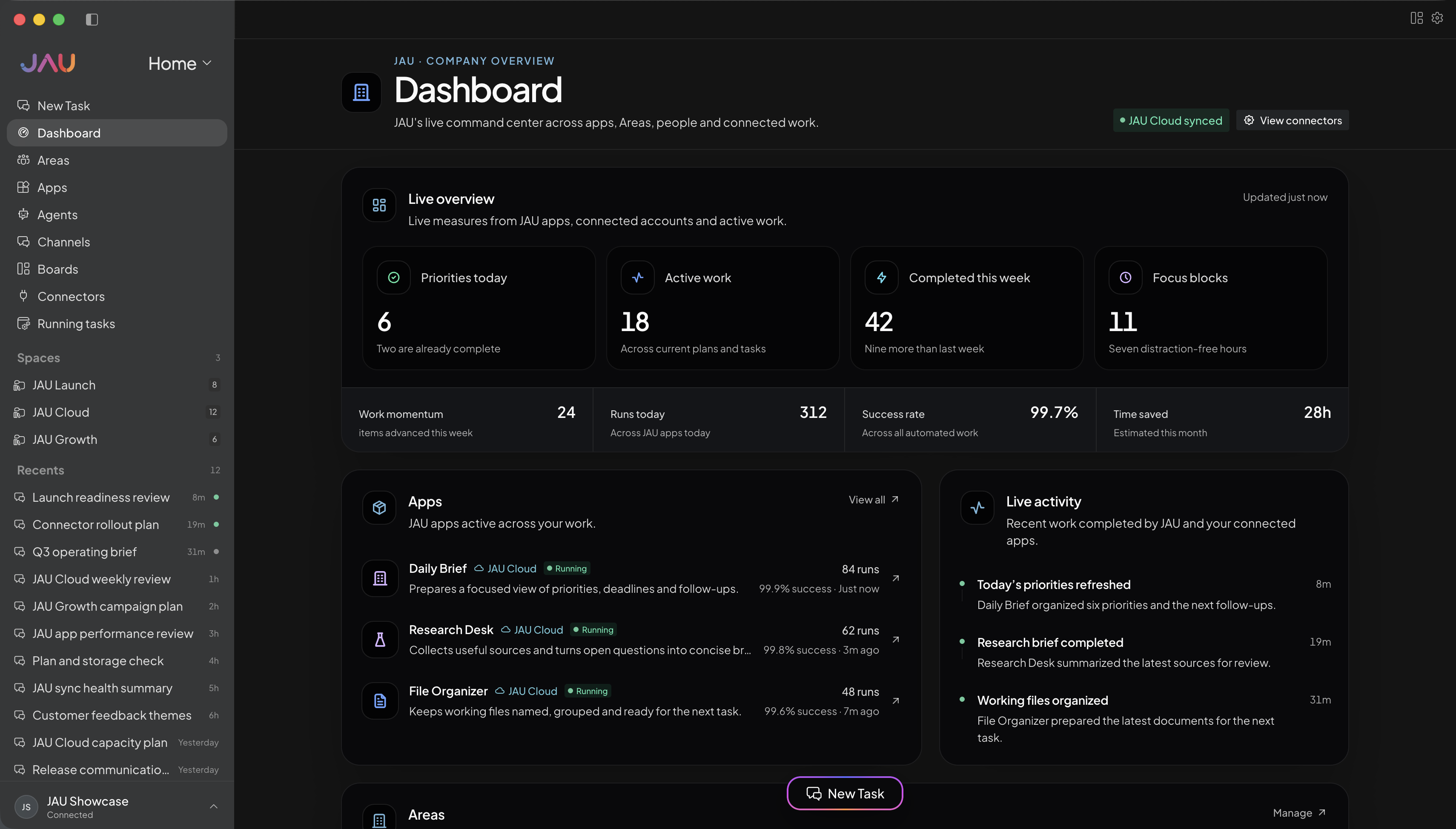
Make as many Areas as you want. One for a project, a class, a client, or home. The 12 shown here are examples only.
One space for a project, a class, a client, home, or work.
These 12 are just examples. They are not a fixed set of Areas.
Pick the name, files, Apps, who can see it, and how work moves.
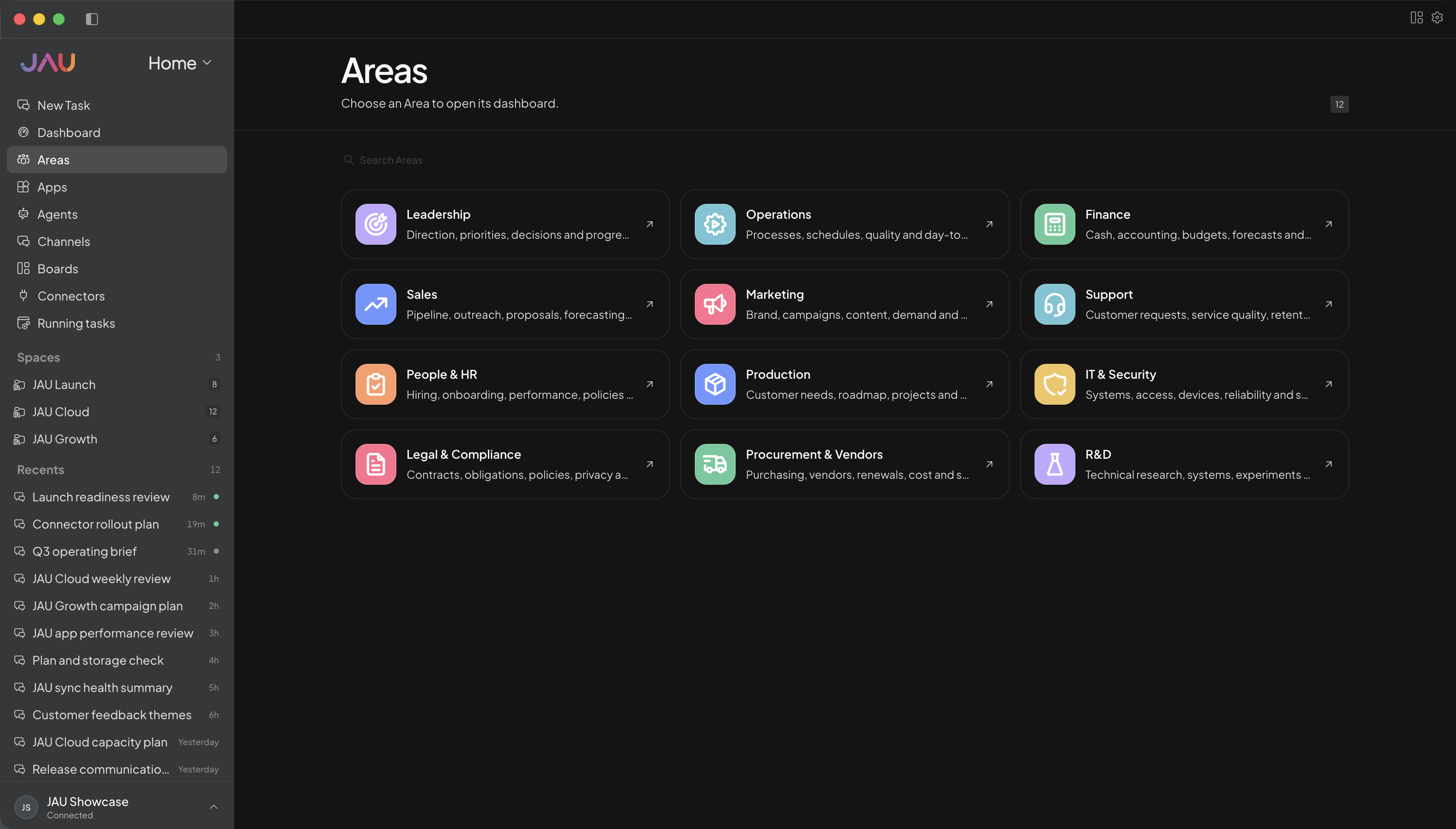
Inside an Area
Name it, set it up, and keep its Apps, files, and next steps together.
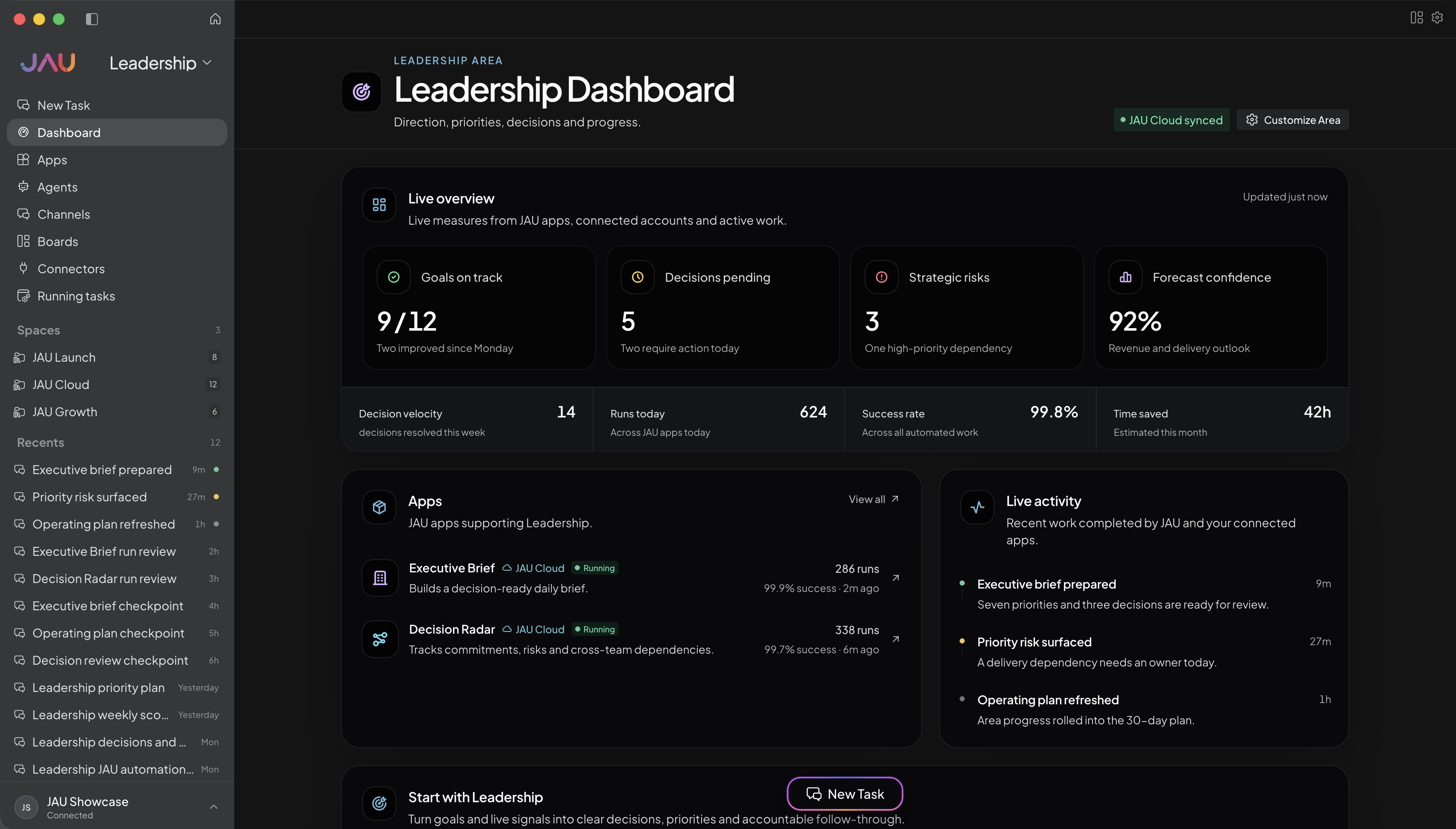
Goals, decisions, strategic risks, and executive Apps.
JAU is built around the AI accounts you already have. Apps, Agents, and chat all work together in one place. This full setup is only in JAU.
Use the AI accounts already connected to JAU for Apps and automations, instead of paying again for every API call.
How much you save depends on the work, account limits, and each provider’s rules.Work you start in JAU Cloud can keep going after you close your desktop.
Start, check, pause, and change work by talking to JAU in chat.
Agents watch the work, spot problems, and tell you what happened.
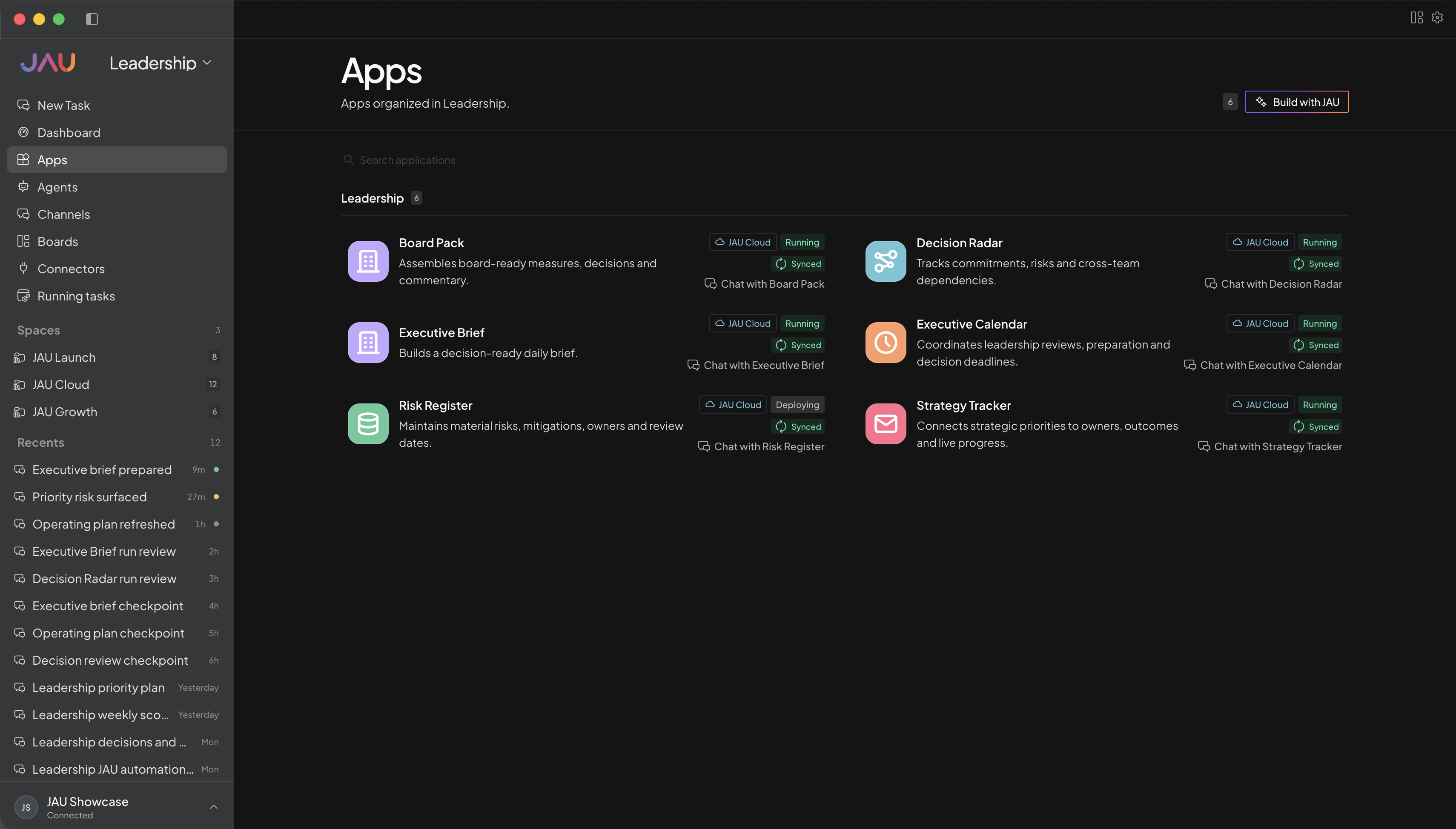
Briefs, strategy, board packs, risks, and decision work.
Select Ultra Code next to the chat box. JAU starts a coding session, keeps the project together, splits the work, and runs the checks that show it is ready.
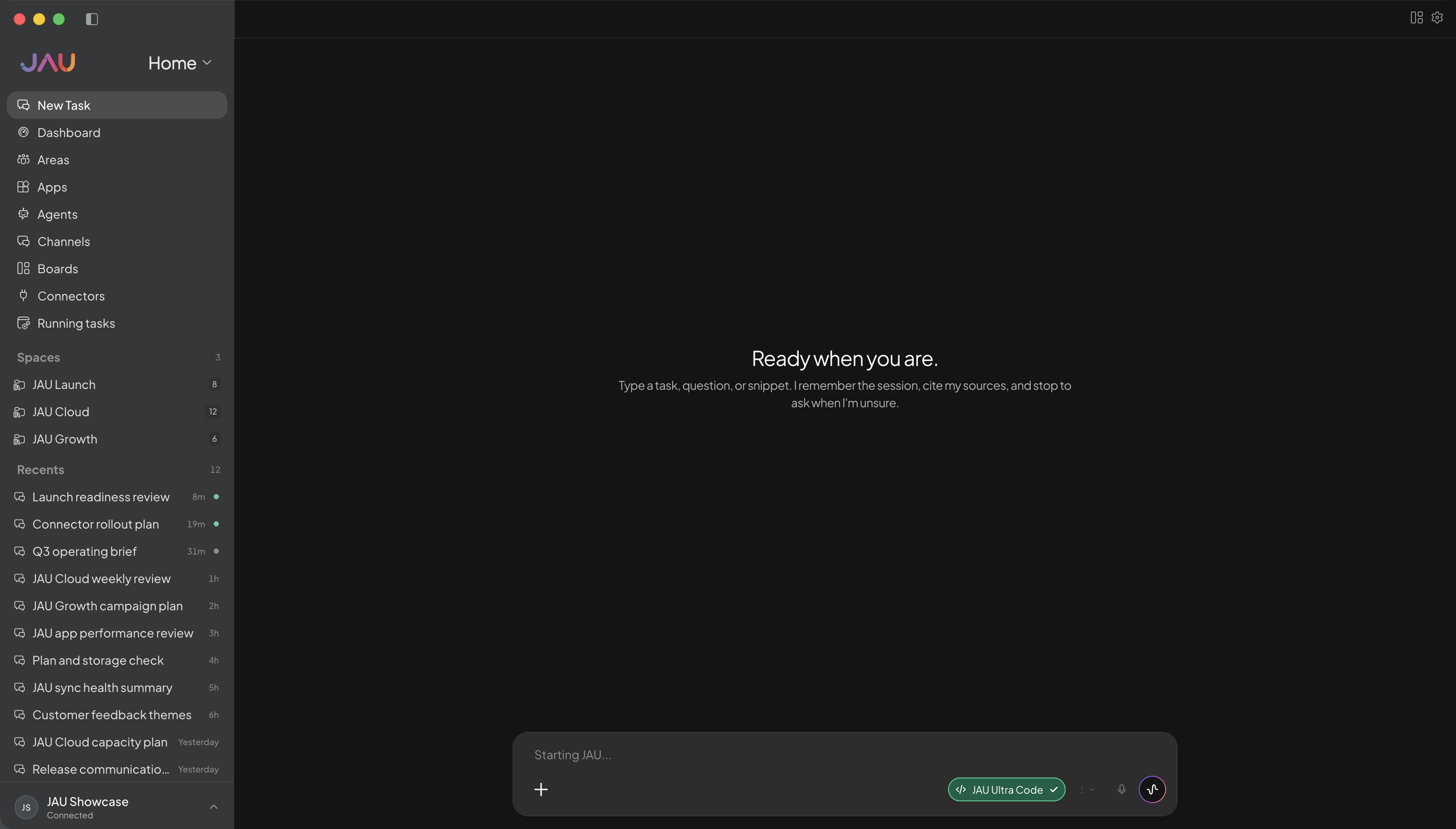
JAU Ultra Code with Claude Opus 5.
25-game evaluation · RHAE Best@1Ultra Code keeps the plan, files, and checks in one place.
More than one Agent can work at the same time under one JAU lead.
JAU runs the builds, tests, and checks before it says the job is ready.
Same models · with and without JAU
Each pair uses the same model on the same 25-game ARC-AGI-3 test. The difference is JAU around it: saved project context, tools, and Agents working together.
RHAE Best@1 on the same 25-game ARC-AGI-3 test. These scores are only for same-model comparison.
Run scrapers, support, sales, and automations 24/7. Work that usually needs extra software and APIs can stay in JAU.
Scrapers, support, sales, automations, and more. Work that should keep going, keeps going.
Jobs that usually need extra software and APIs can run here, with the AI you already connected.
Keep work local when you want it there. Send it to the cloud when it should run 24/7.
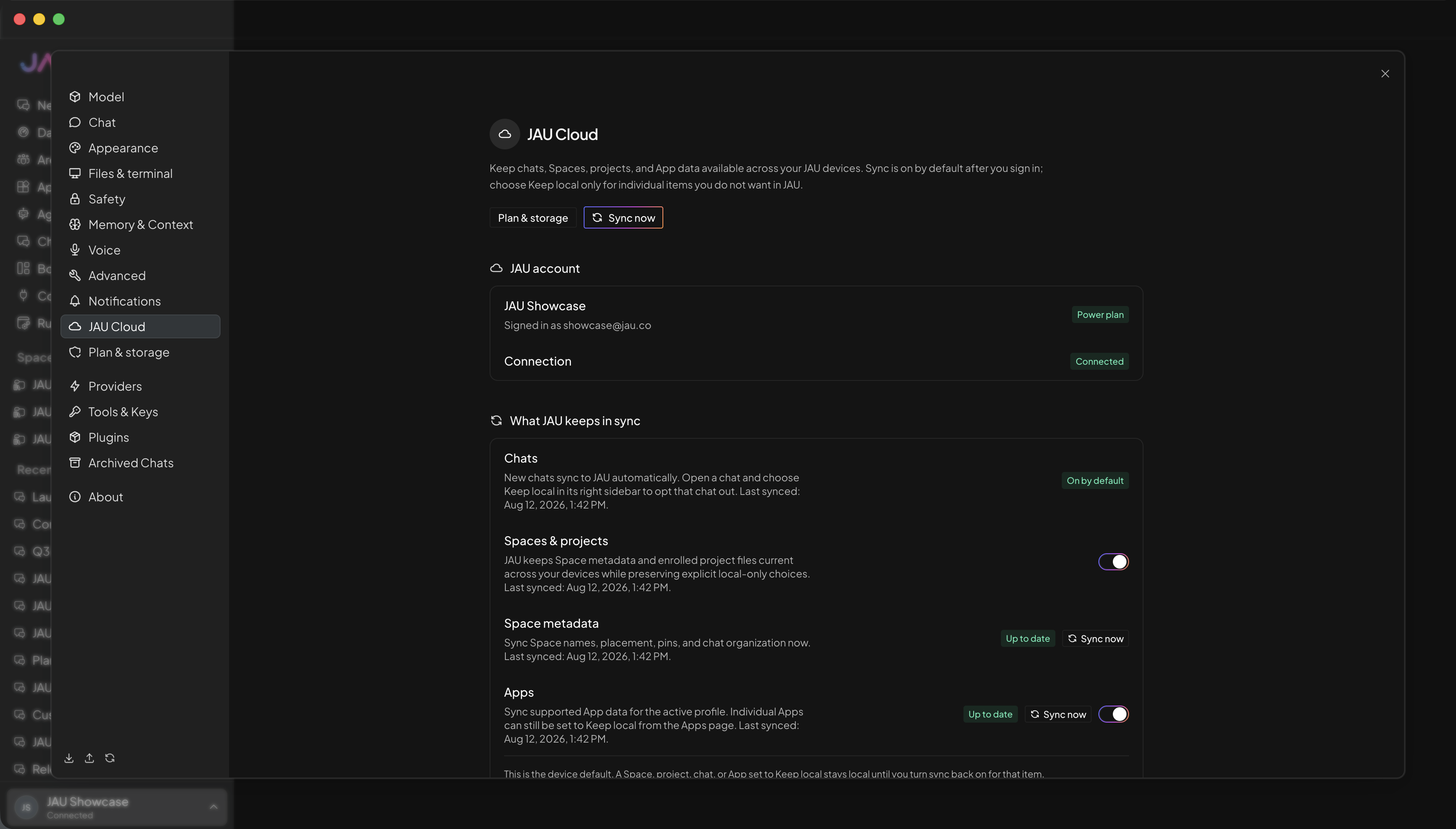
Make focused AI teammates with a name, a job, instructions, a model, Apps, and an Area. Then let them work together.
Give each Agent a name, a job, and clear instructions that stay saved.
Choose the Apps and Area each Agent can use.
Talk to an Agent, or give it a card on a Board.
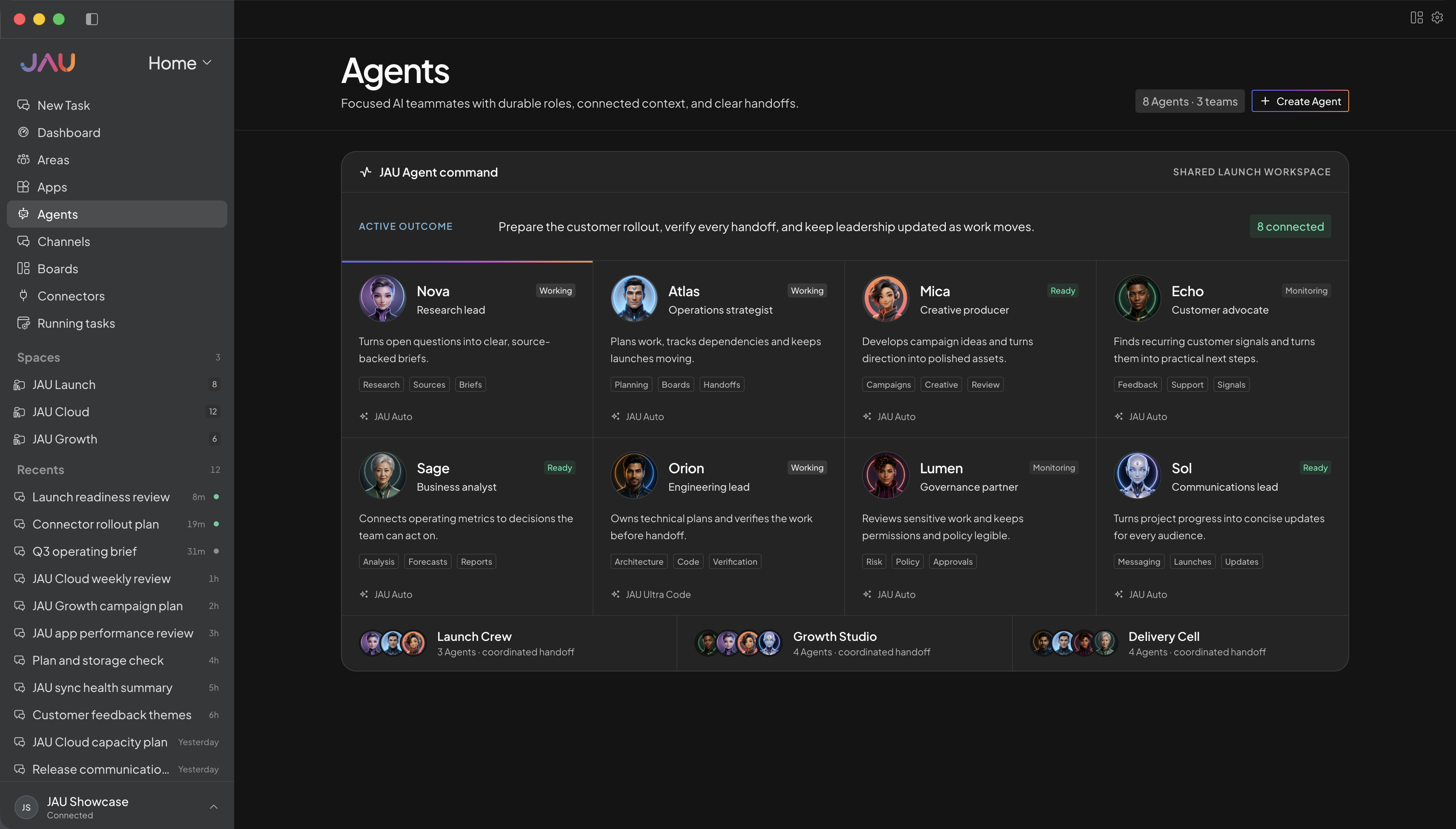
Make as many chats as you need. Talk with JAU, add a full team of Agents or just a few, and keep every update in the right place.
Messages, replies, reactions, and alerts stay together in simple channel sections.
Add a whole team of Agents, or pick only the ones you need.
Each Department keeps its own channels and Agent chats, without setting it up again.
You and Agents share a kanban board. Both can move cards, add comments, do the work, and keep the board up to date.
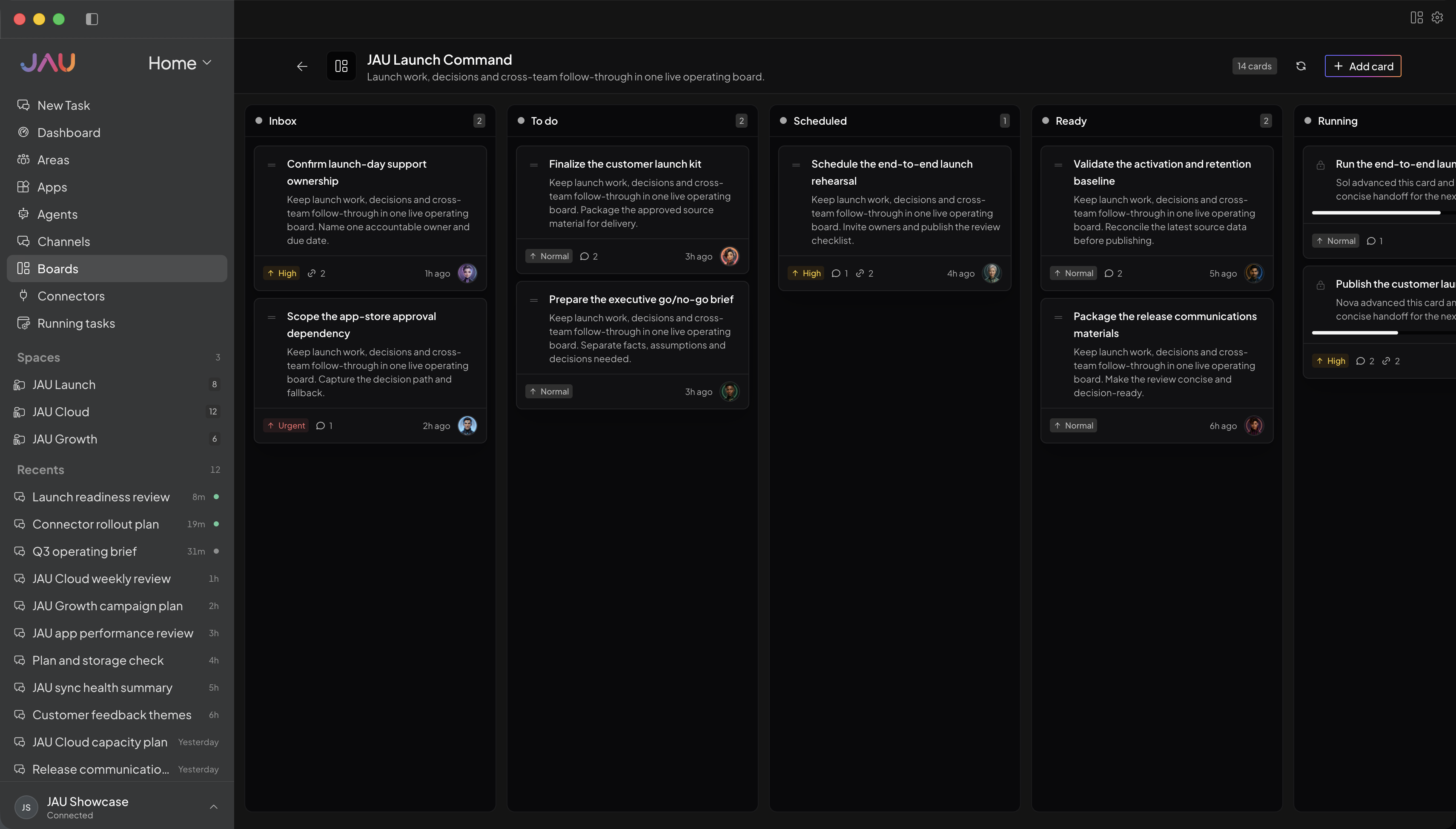
People and Agents share one board. Cards, owners, status, and comments stay in view.
Both of you can move cards, add comments, pick up work, and keep going.
JAU can break a goal into smaller jobs and send them to the right Agents.
JAU Router looks at each request and picks from the AI accounts you already connected. Router picks a capable, cheaper model for everyday work, and a stronger one when the job is hard. If that model fails, a backup takes over.
Massive cost savings
Without Router, every request can hit your most expensive model. With Router, simple work costs less and hard work still gets a strong model.
These are public list prices, not a JAU quote. Router only picks from the models you connected. How much you save depends on the job and each model's price.
JAU can use your mail, files, code, and payments after you connect. You stay in one place instead of jumping between apps.
Connectors
After you connect, JAU can read mail, open files, update GitHub, and check payments — not just talk about them.
Give an Agent Drive, GitHub, or Stripe and it works there. You do not copy and paste between tabs.
One click for the top tools. Need another one? Ask in chat and JAU connects it.
Different models are good at different jobs. Connect the AI you already use, then pick the model for each job. JAU keeps the App, files, permissions, Agents, and reports together.
You choose the model. JAU does not switch it in secret.Connect what you use
Limited access only.No purchases or sign up right now.
JAU is closed for purchase and sign up. Leave your name and email and we will write when access opens.