
Choose your fit
Personal for one person. Business when you need a shared workspace and administration.
Move research, launches, customer work, and the week from one workspace.
Join waitlist01 · Validate
Collect research, customer notes, and assumptions in one place, then turn uncertainty into the next small test worth running.
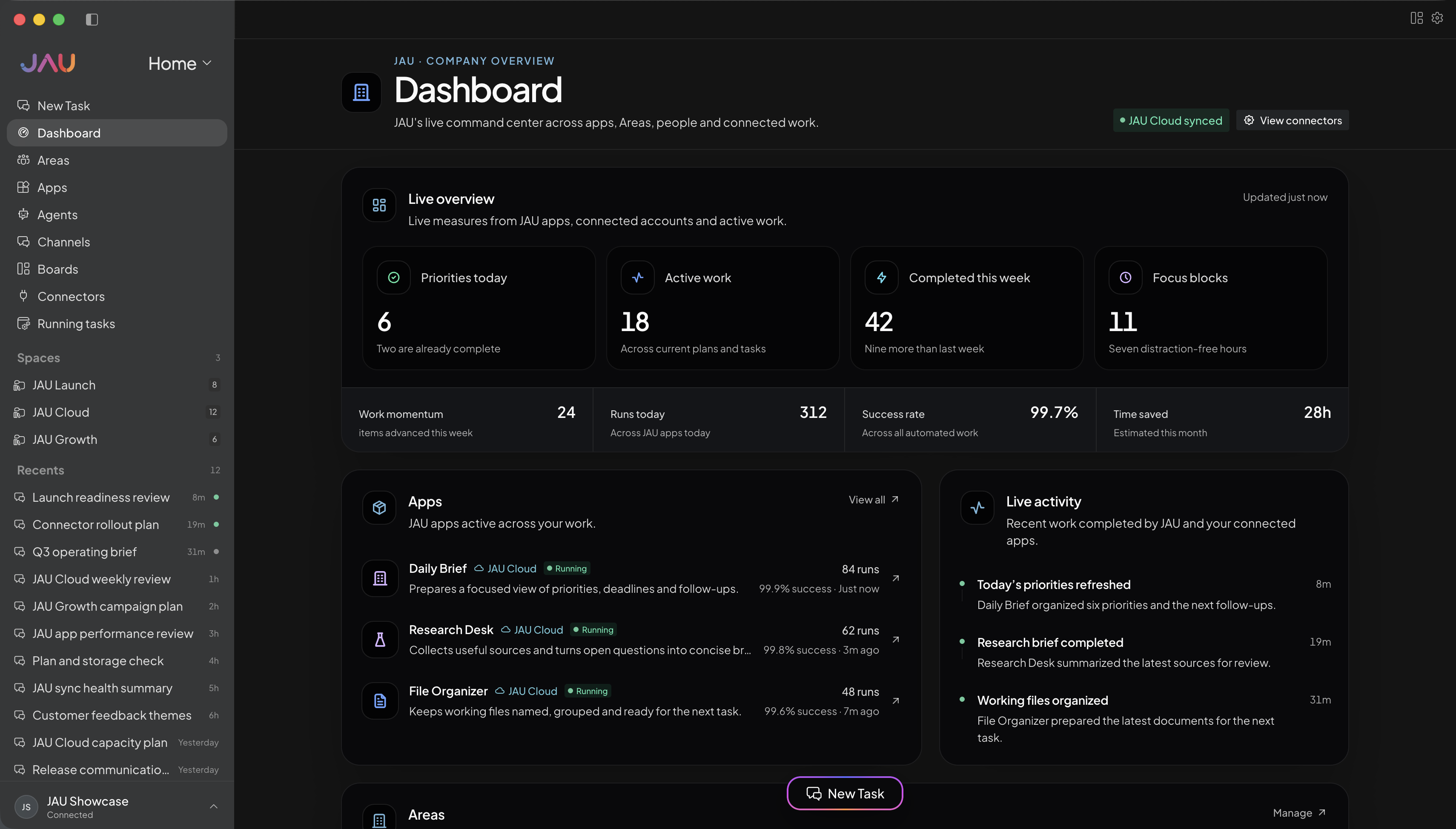
02 · Launch
Create a focused app for the launch, connect its source material, and keep positioning, tasks, and decisions close together.
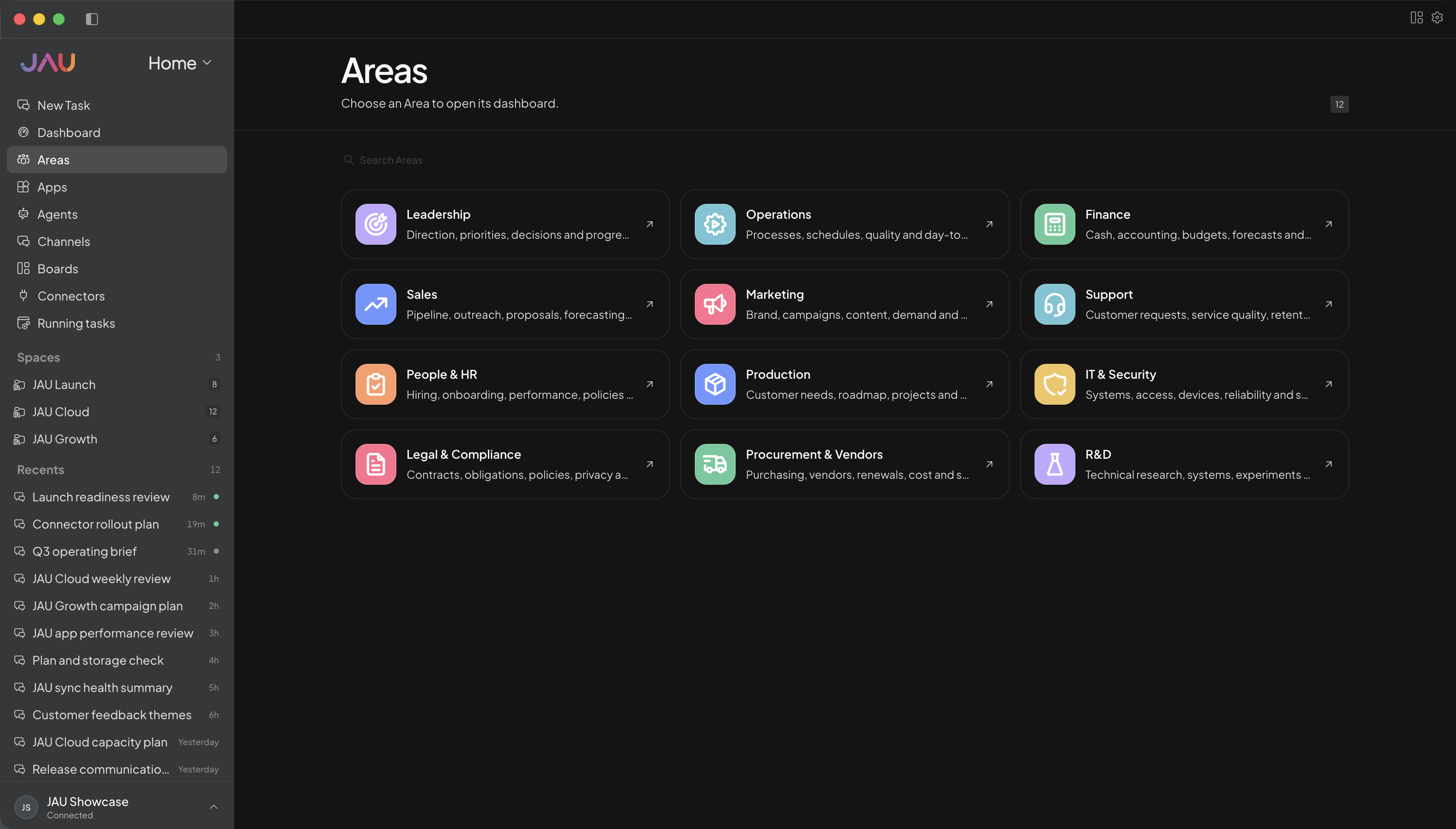
03 · Sell
Turn call notes and customer context into tailored follow-ups, clear next steps, and a pipeline you can actually act on.
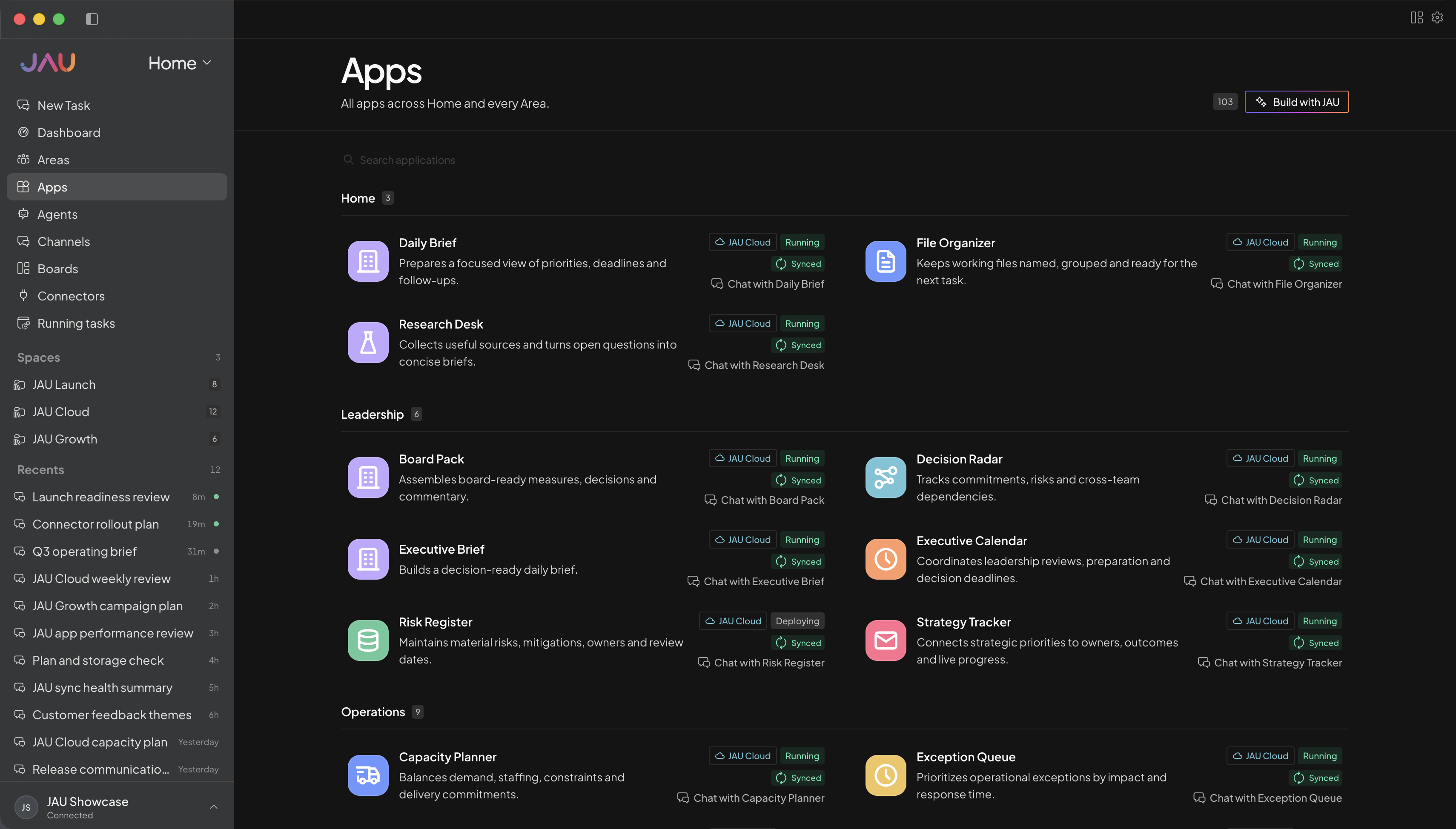
04 · Operate
Keep cash questions, customer commitments, launch work, and operating priorities visible without carrying all of it in your head.
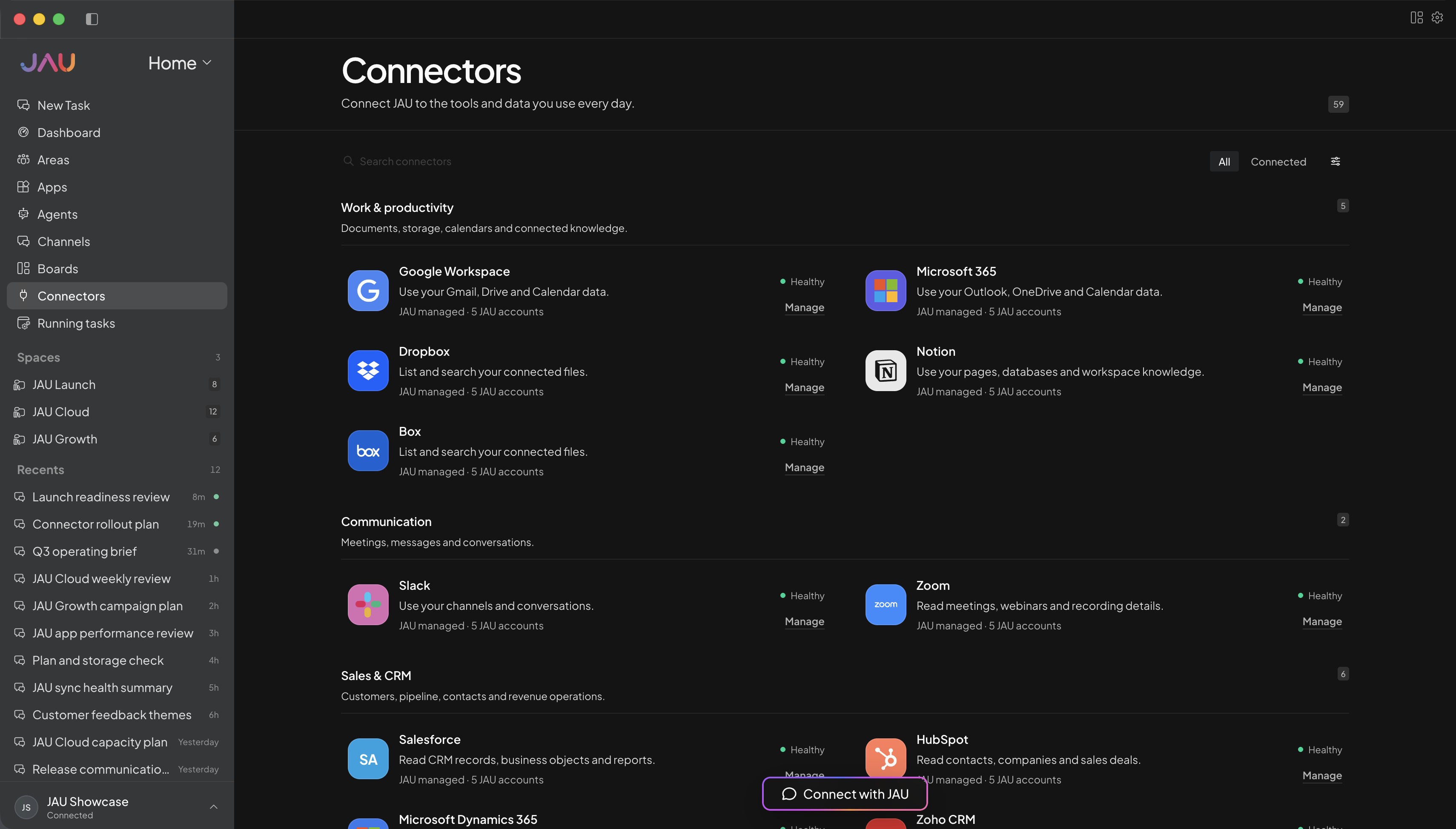
JAU Cloud for you or your team
Start with JAU for one person or a shared team. Cloud keeps supported work running, synced, and visible after you close your desktop.
Personal for one person. Business when you need a shared workspace and administration.
Create Areas, Apps, Agents, and automations around the work you actually do.
Add the accounts and capabilities you approve, with important actions kept behind confirmation.
See task progress, sync state, conflicts, credit balance, and anything that needs you.
Every workspace
Desktop, JAU Cloud, 24/7 task execution, automatic sync, Apps, hosted connectors, updates, and support.
Cloud Credits
Personal, Pro, and Power include monthly credits. Business starts with prepaid usage. No plan creates postpaid debt.
Make JAU yours
Use these as starting points, then create Areas, Apps, and automations around personal projects, client work, study, creative work, or a shared operation.
Example Area names
Example Apps
Turn rough opportunities, research, and customer signals into testable assumptions.
Coordinate positioning, content, milestones, and owners around one launch narrative.
Prepare outreach and follow-ups from the context behind each opportunity.
Bring priorities, blockers, cash questions, and commitments into a crisp operating review.
Outcome examples
Review these notes and tell me which assumption could invalidate the idea fastest, then design a one-week test.
Join waitlist ↗Using this product brief, draft the audience, promise, proof points, launch milestones, and missing decisions.
Join waitlist ↗Turn these call notes into a short follow-up with the customer’s priority, our commitment, and one clear next step.
Join waitlist ↗Organize these updates into progress, risks, cash impact, customer commitments, and the three decisions I should make today.
Join waitlist ↗Get more out of JAU
Create a focused JAU app for customer research, launch planning, or weekly operations instead of forcing every task through one generic chat.
Scope the right project context to each App, then keep output grounded in the material you already use.
Yes. Start with an individual plan and use focused Apps and approved project context for research, launches, follow-ups, and recurring reviews.
Yes. Use Setup AI or configure Areas, access, Apps, and automations directly, then review changes before they are applied.
JAU can organize evidence, surface tradeoffs, and prepare a recommendation, but consequential decisions remain with you.
No. They are customizable illustrations. Rename Areas and create the Apps and automations that fit the business you are building.
Yes. Move to Business when you need licensed members, Area assignments, scoped access, and workspace administration.