
Choose your fit
Personal for one person. Business when you need a shared workspace and administration.
Keep projects, daily work, Apps, and AI teammates in one place that keeps moving.
Join waitlist01 · Organize
Keep chats, files, decisions, and next steps together instead of rebuilding context whenever you return.
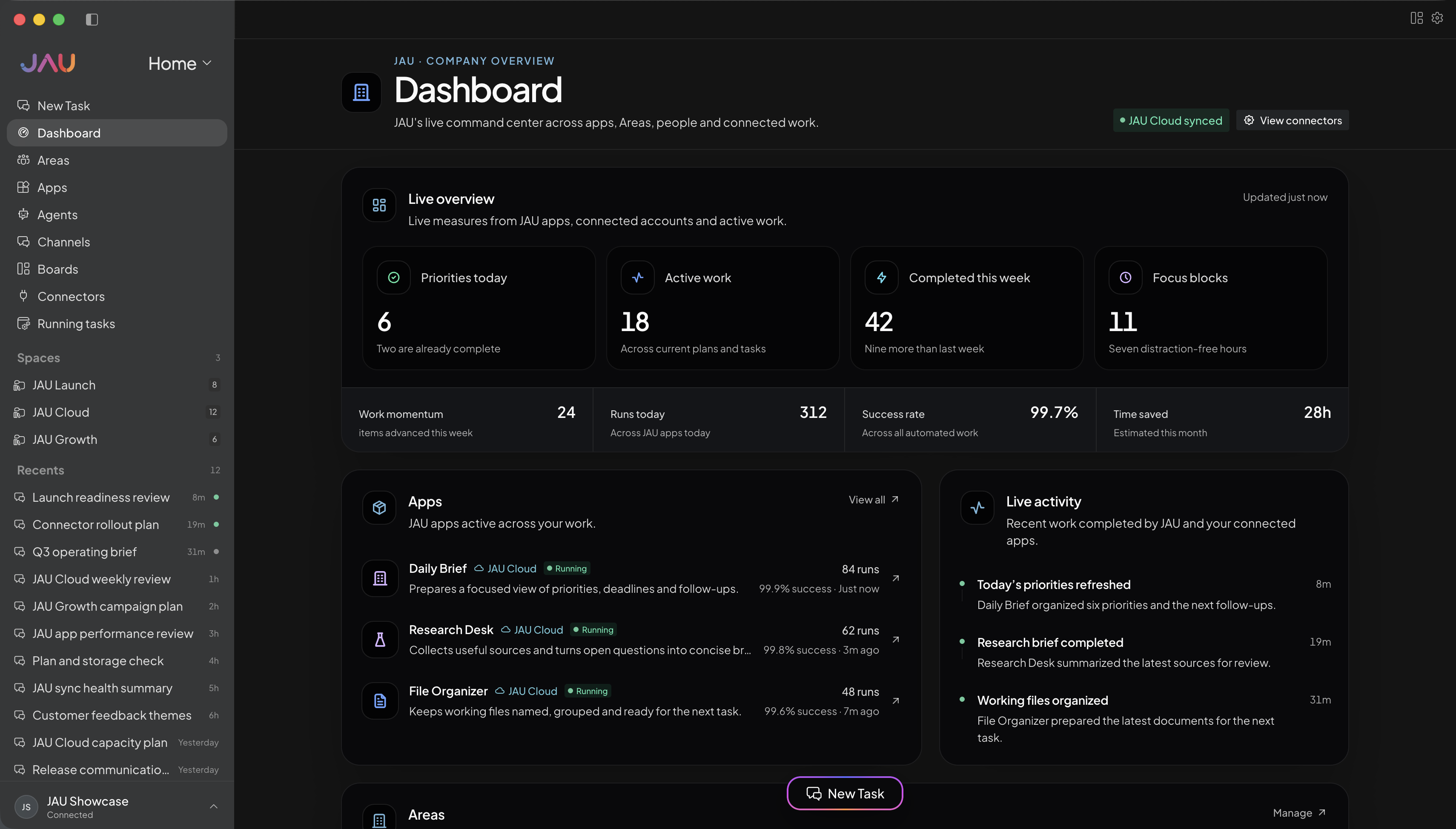
02 · Research
Compare sources, test assumptions, and keep the evidence close enough to check before you act.
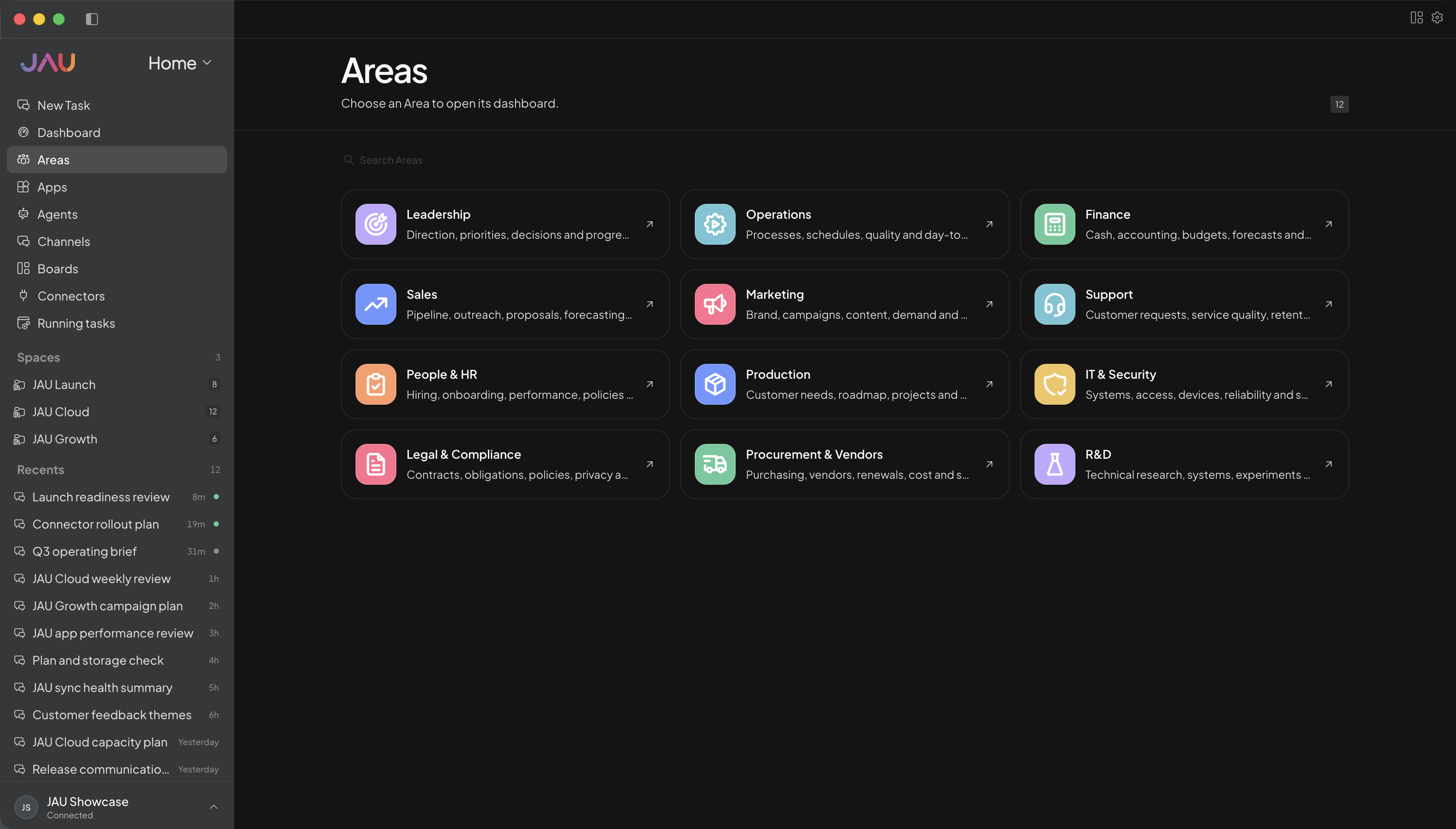
03 · Create
Break an outcome into practical steps, bring in the right tools, and keep progress visible through completion.
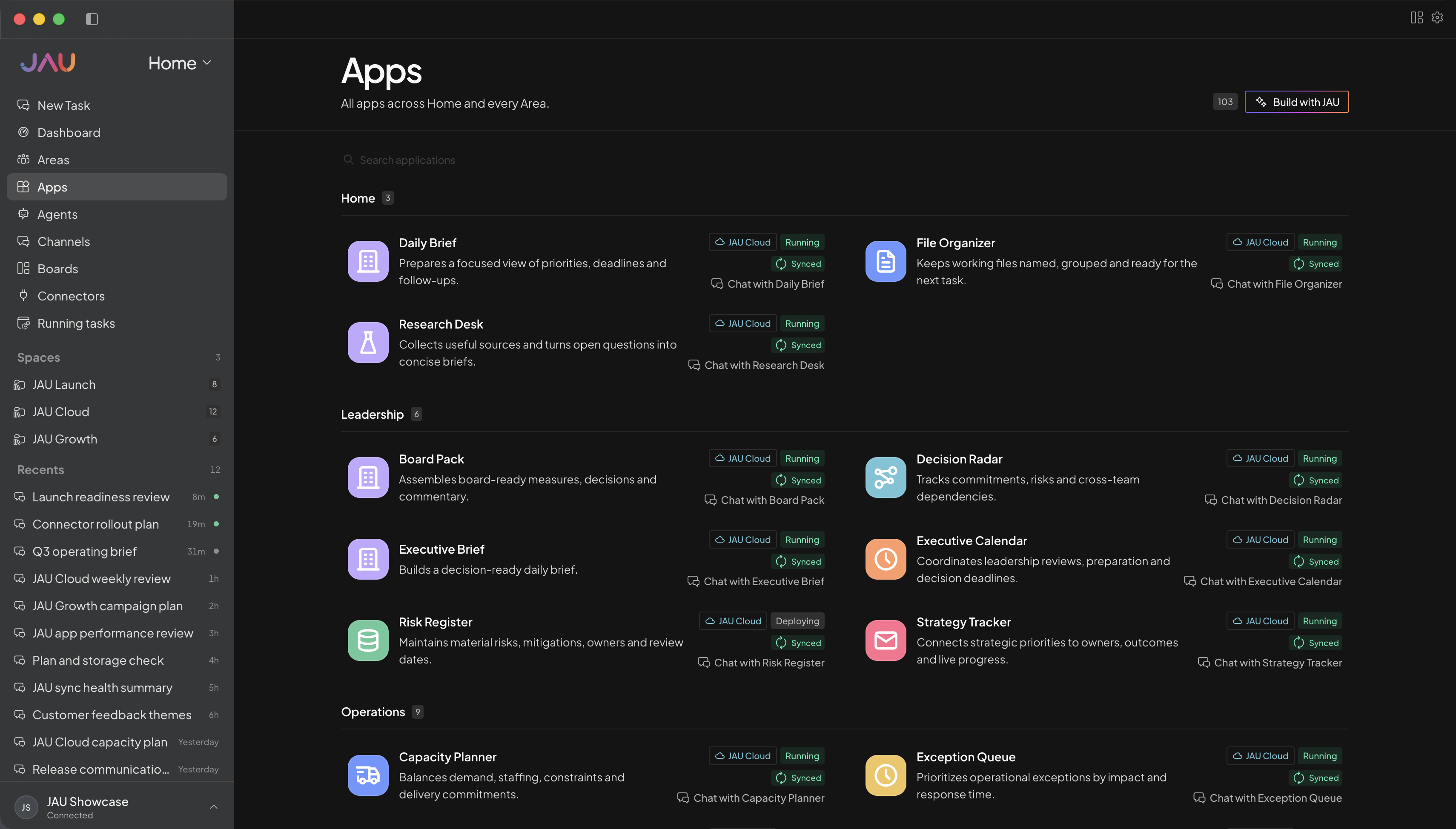
04 · Repeat
Turn a useful process into an App, skill, or scheduled routine instead of starting from a blank chat each time.
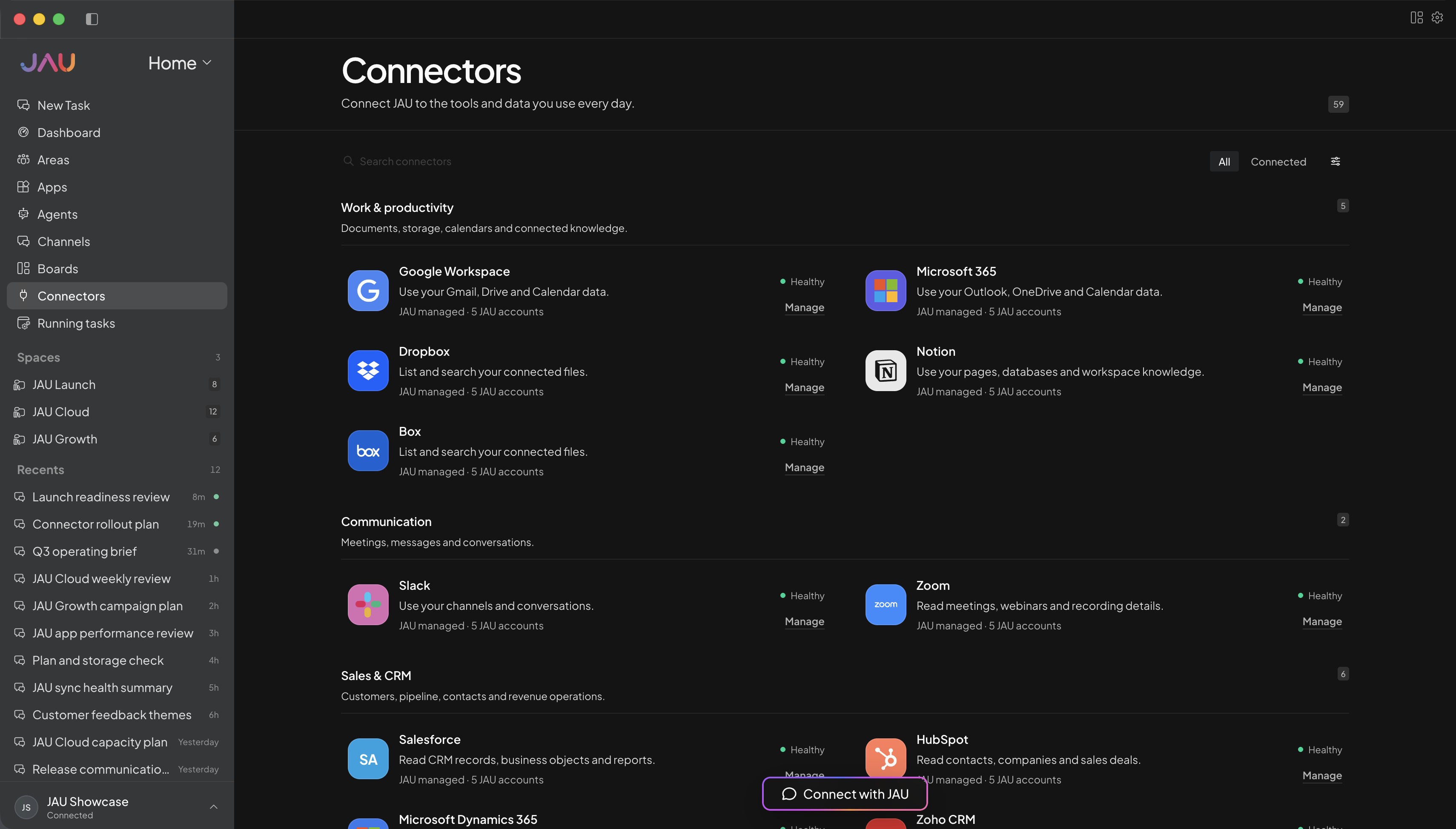
JAU Cloud for you or your team
Start with JAU for one person or a shared team. Cloud keeps supported work running, synced, and visible after you close your desktop.
Personal for one person. Business when you need a shared workspace and administration.
Create Areas, Apps, Agents, and automations around the work you actually do.
Add the accounts and capabilities you approve, with important actions kept behind confirmation.
See task progress, sync state, conflicts, credit balance, and anything that needs you.
Every workspace
Desktop, JAU Cloud, 24/7 task execution, automatic sync, Apps, hosted connectors, updates, and support.
Cloud Credits
Personal, Pro, and Power include monthly credits. Business starts with prepaid usage. No plan creates postpaid debt.
Make JAU yours
Use these as starting points, then create Areas, Apps, and automations around personal projects, client work, study, creative work, or a shared operation.
Example Area names
Example Apps
Keep milestones, files, decisions, and next actions together for one personal project.
Compare options, record evidence, and make the tradeoffs behind a choice easy to revisit.
Track recurring tasks, documents, appointments, and follow-ups without mixing them into other work.
Turn approved material into questions, explanations, and a practical learning plan.
Outcome examples
Review this project, identify the current blocker, and give me the smallest useful next step with the files I need.
Join waitlist ↗Compare these options against my priorities, separate facts from assumptions, and show what would change the decision.
Join waitlist ↗Organize these tasks by urgency, dependency, and effort, then prepare a realistic plan for this week.
Join waitlist ↗Ask me five increasingly difficult questions about these notes, then explain the ideas behind anything I miss.
Join waitlist ↗Get more out of JAU
Keep immediate device work local, with Cloud available for eligible work that should continue after the laptop closes.
The Areas and Apps shown here are starting-point illustrations; rename, replace, or configure them around your own work.
Yes. Personal, Pro, and Power are designed for individual use, with different Cloud Credit and connector-account allowances.
No. They are customizable examples. Use the Areas that fit your work and create or adjust Apps for the outcomes you repeat.
Yes. JAU is local-first. Choose Cloud only for eligible work you want to continue remotely, and keep execution state visible.