
Choose your fit
Personal for one person. Business when you need a shared workspace and administration.
Do client research, planning, production, and follow-up without jumping between tools.
Join waitlist01 · Scope
Capture the outcome, source material, boundaries, milestones, and open questions before delivery begins.
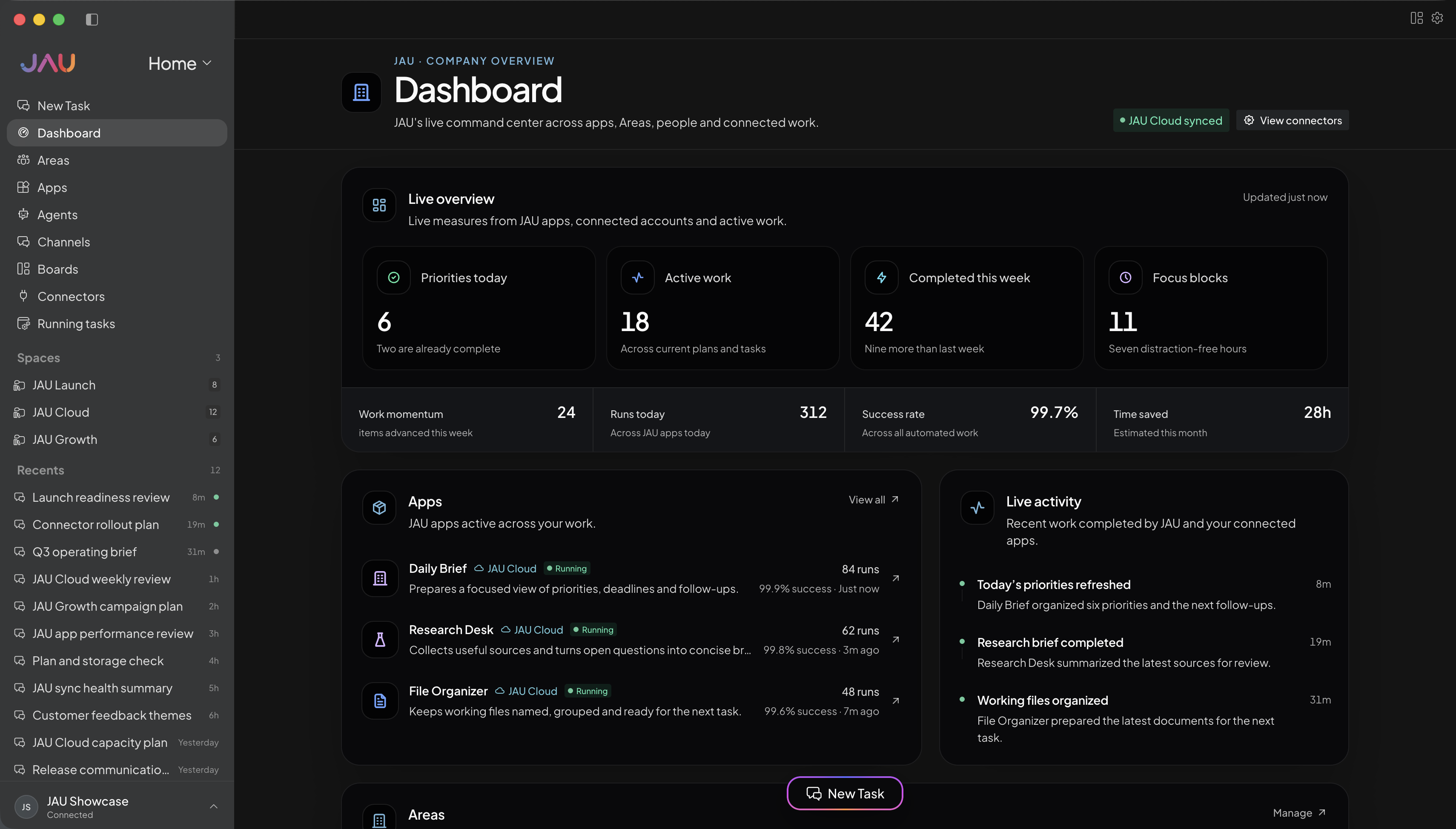
02 · Deliver
Separate files, conversations, decisions, and work-in-progress so one client never leaks into another.
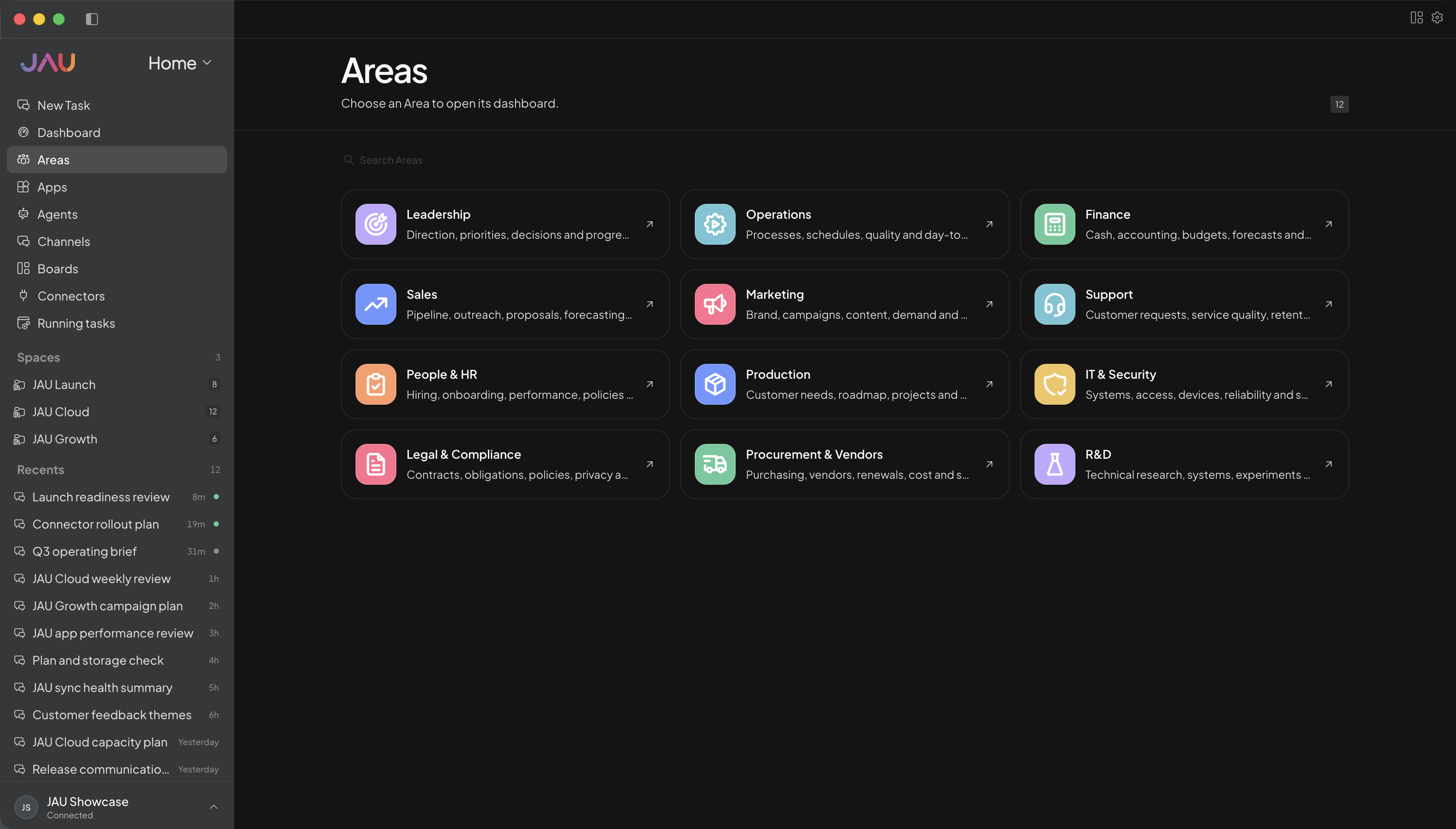
03 · Follow up
Turn meeting notes and feedback into decisions, revisions, owners, and a concise next step.
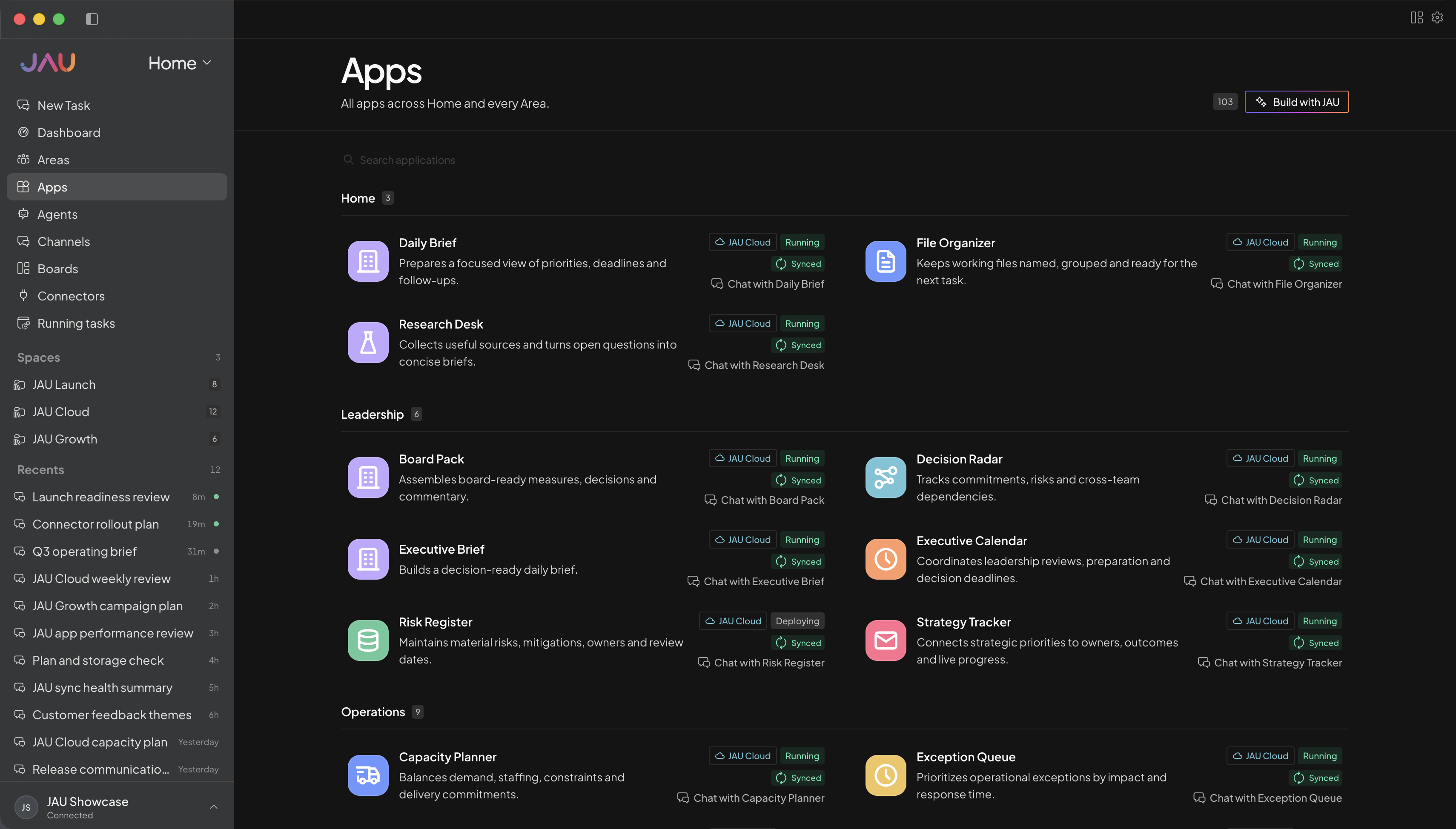
04 · Operate
Keep proposals, delivery dates, invoice status, capacity, and recurring administration visible in one place.
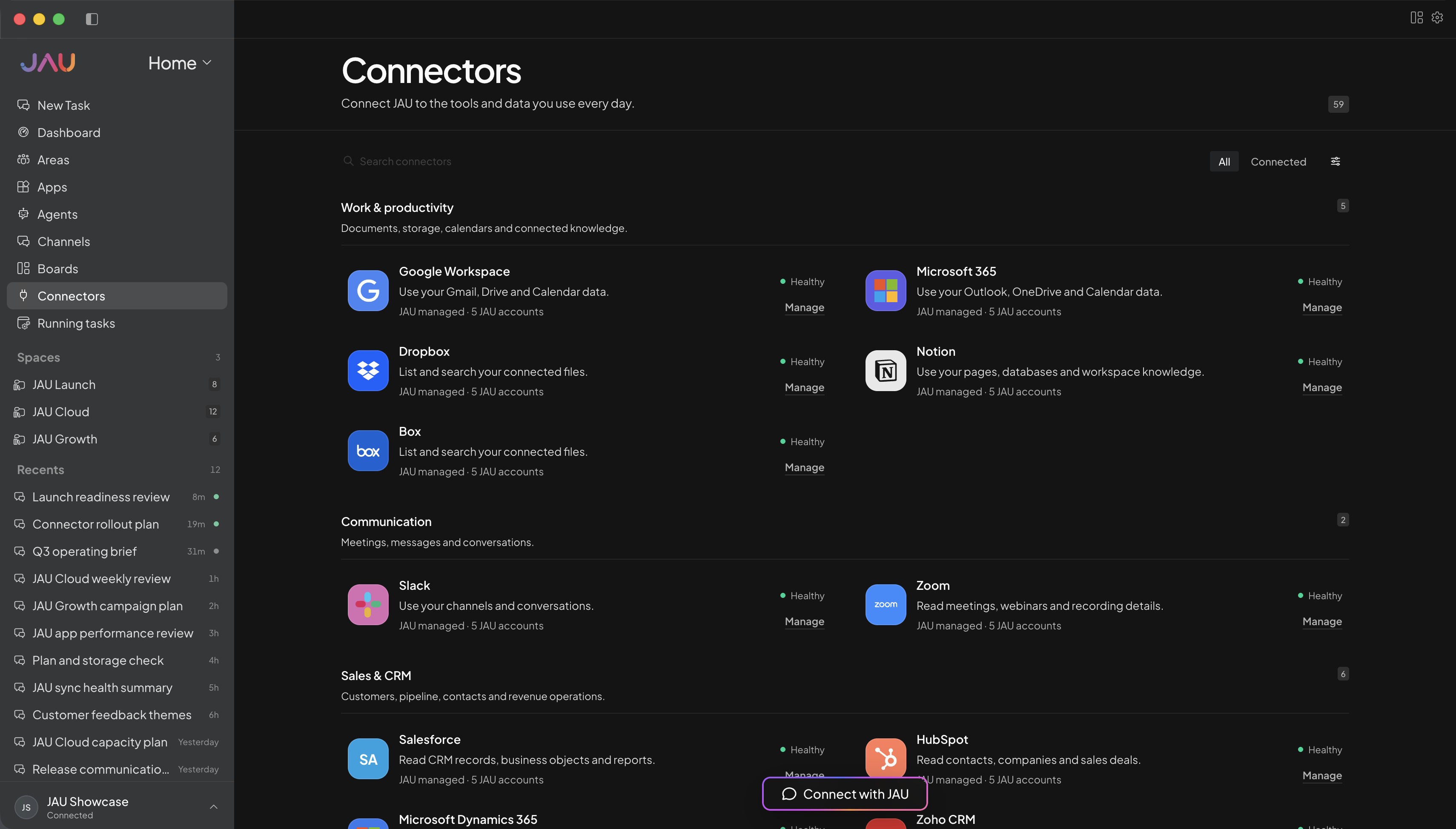
JAU Cloud for you or your team
Start with JAU for one person or a shared team. Cloud keeps supported work running, synced, and visible after you close your desktop.
Personal for one person. Business when you need a shared workspace and administration.
Create Areas, Apps, Agents, and automations around the work you actually do.
Add the accounts and capabilities you approve, with important actions kept behind confirmation.
See task progress, sync state, conflicts, credit balance, and anything that needs you.
Every workspace
Desktop, JAU Cloud, 24/7 task execution, automatic sync, Apps, hosted connectors, updates, and support.
Cloud Credits
Personal, Pro, and Power include monthly credits. Business starts with prepaid usage. No plan creates postpaid debt.
Make JAU yours
Use these as starting points, then create Areas, Apps, and automations around personal projects, client work, study, creative work, or a shared operation.
Example Area names
Example Apps
Turn scattered notes into an agreed outcome, scope, timeline, and list of unanswered questions.
Track milestones, dependencies, review rounds, and the next client-facing deliverable.
Convert calls and feedback into concise recaps, commitments, and next steps.
Keep pipeline, capacity, invoice status, and recurring administration in one working view.
Outcome examples
Turn these notes into an outcome, scope, assumptions, milestones, and the questions I should resolve before quoting.
Join waitlist ↗Break this engagement into milestones, dependencies, review points, and a schedule that protects the final deadline.
Join waitlist ↗Turn these call notes into decisions, my commitments, the client’s inputs, and one clear next step.
Join waitlist ↗Review these deadlines and commitments, flag capacity conflicts, and build a prioritized plan for this week.
Join waitlist ↗Get more out of JAU
Use a separate Area or Space for each engagement so its files, instructions, conversations, and decisions remain distinct.
The sample Areas and Apps are customizable examples; shape them around your service, clients, and delivery style.
No. Start with an individual plan. Business is available later if you need shared membership and workspace administration.
Yes. Put each engagement in its own Area or Space and attach only the files, Apps, and connections that work should use.
They are illustrations, not a fixed bundle. Create or configure the Apps that match your actual client workflow.