
Choose your fit
Personal for one person. Business when you need a shared workspace and administration.
Understand code, make changes, run checks, and keep release notes close.
Join waitlist01 · Understand
Use the project’s actual files and conventions to map a feature, trace a behavior, and identify the boundaries a safe change must respect.
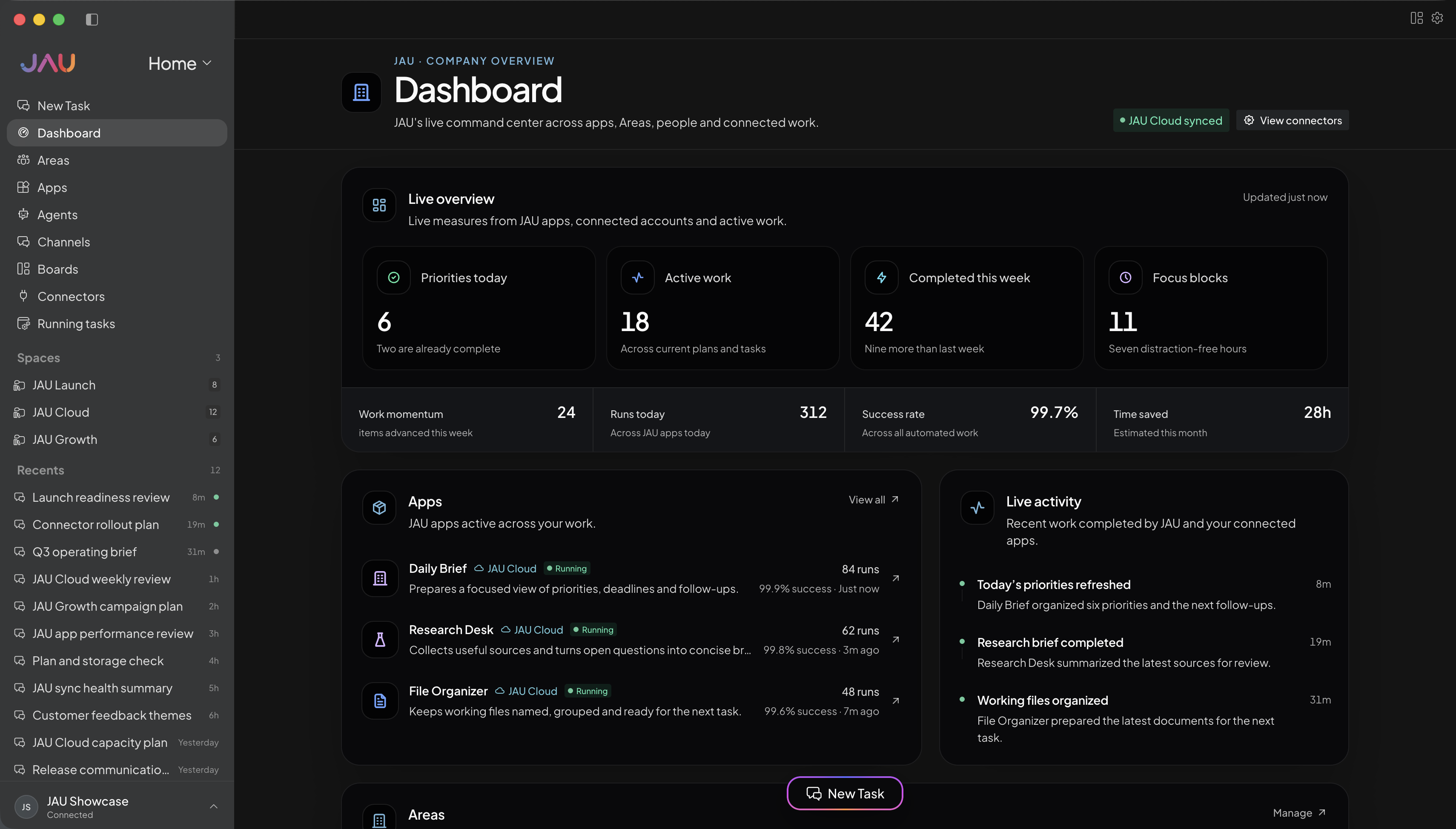
02 · Build
Keep requirements, repository context, and the working conversation together while JAU helps move from plan to tested change.
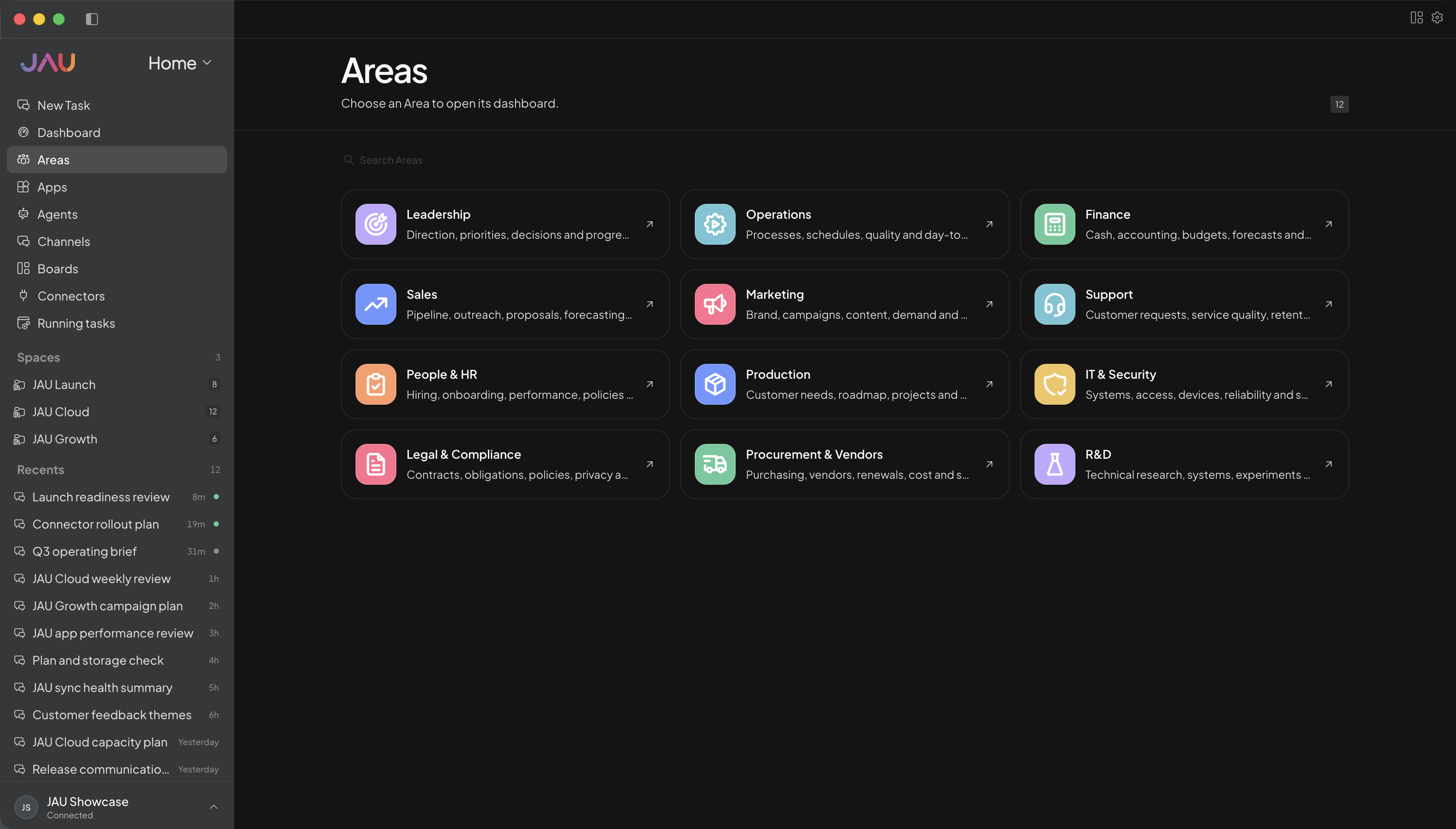
03 · Review
Create focused review workflows for correctness, security, and maintainability, with access limited to the people and context involved.
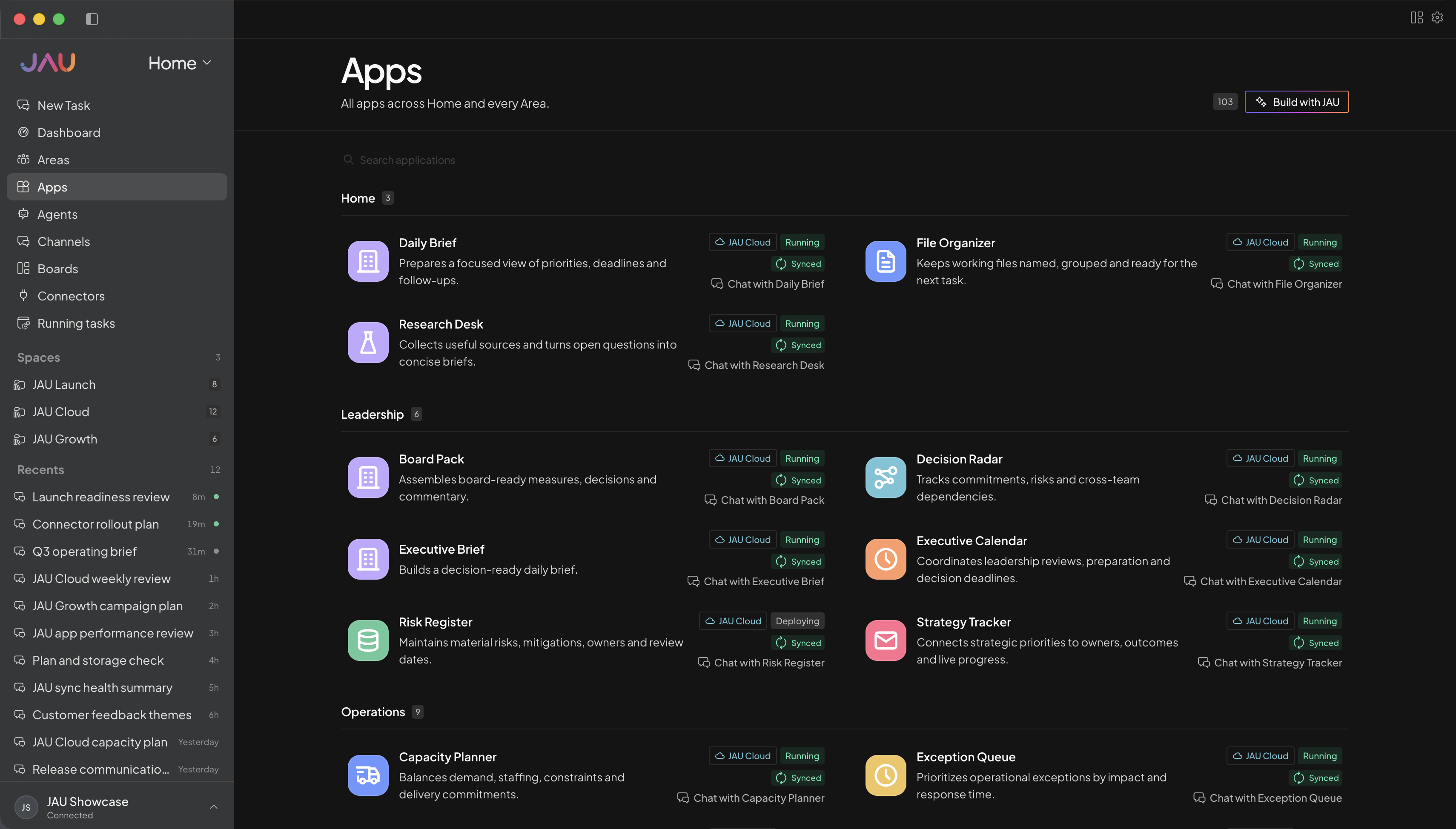
04 · Ship
Gather checks, risks, rollout notes, and ownership details into a release view you and your collaborators can act on.
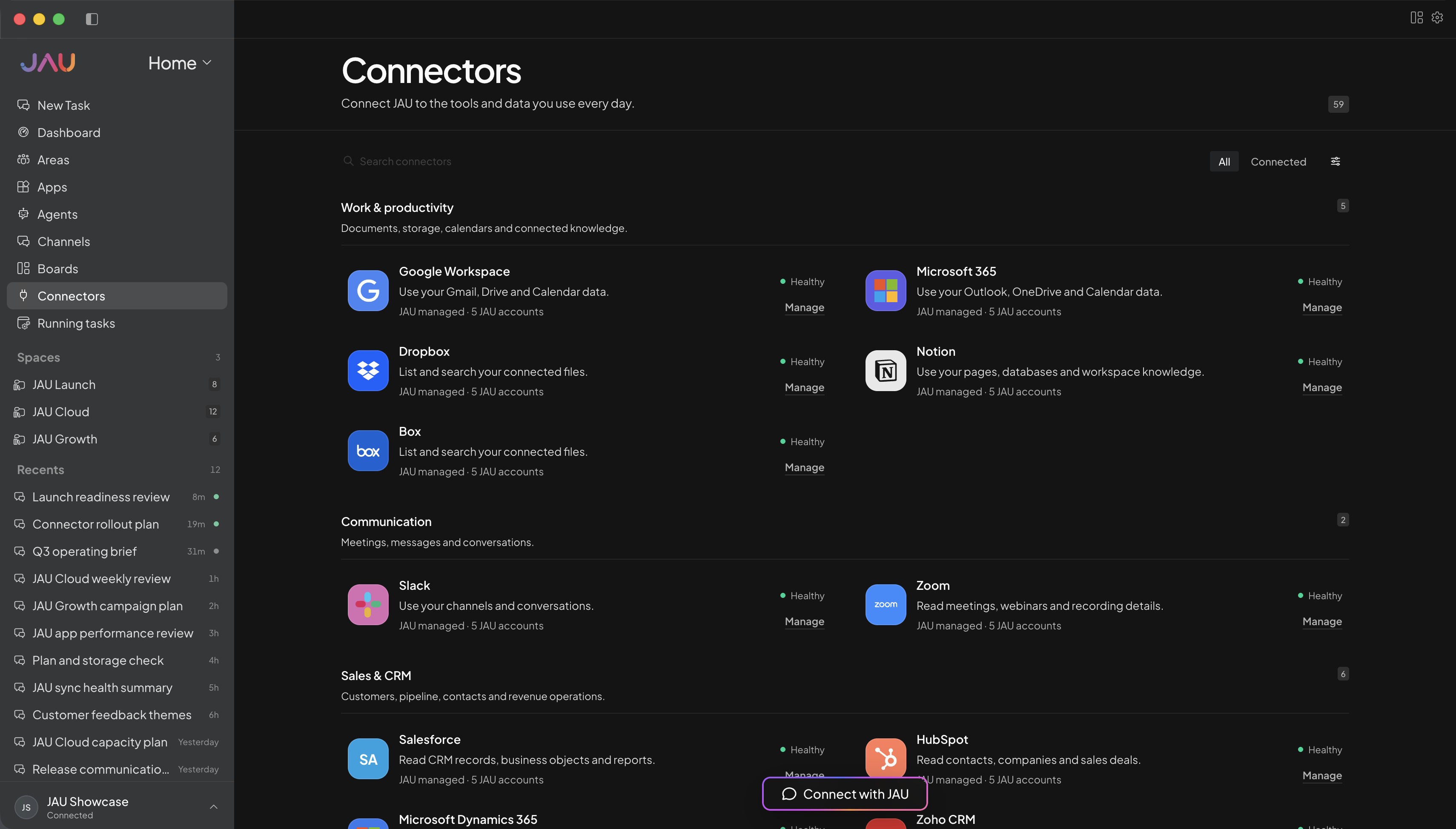
JAU Cloud for you or your team
Start with JAU for one person or a shared team. Cloud keeps supported work running, synced, and visible after you close your desktop.
Personal for one person. Business when you need a shared workspace and administration.
Create Areas, Apps, Agents, and automations around the work you actually do.
Add the accounts and capabilities you approve, with important actions kept behind confirmation.
See task progress, sync state, conflicts, credit balance, and anything that needs you.
Every workspace
Desktop, JAU Cloud, 24/7 task execution, automatic sync, Apps, hosted connectors, updates, and support.
Cloud Credits
Personal, Pro, and Power include monthly credits. Business starts with prepaid usage. No plan creates postpaid debt.
Make JAU yours
Use these as starting points, then create Areas, Apps, and automations around personal projects, client work, study, creative work, or a shared operation.
Example Area names
Example Apps
Trace features, explain architecture, and help new contributors find the right place to work.
Organize evidence, hypotheses, mitigations, and owners while an incident is moving.
Prepare checks, rollout notes, risks, and stakeholder communication for a release.
Compare approaches against existing constraints and record the reasoning behind a decision.
Outcome examples
Trace how authentication moves through this repository, list the load-bearing files, and explain the safest extension point.
Join waitlist ↗Organize these logs and notes into confirmed facts, open hypotheses, next checks, mitigations, and owners.
Join waitlist ↗Summarize the user-visible changes, migration needs, rollback signals, and verification steps for this release.
Join waitlist ↗Evaluate these approaches against our current architecture, operational cost, failure modes, and future reversibility.
Join waitlist ↗Get more out of JAU
Choose the repository or folder a conversation should understand, keeping answers tied to the code developers are actually changing.
Create distinct apps for codebase orientation, incident response, release preparation, or architecture review, each with its own instructions.
Yes. JAU can use approved local project context so conversations and workflows are grounded in the repository rather than a pasted fragment.
No. JAU can help prepare and review work, but repository protections, automated checks, and accountable human review remain important parts of shipping safely.
Yes. Personal work can stay local or scoped by project. Business adds member-level boundaries when several people share a workspace.
No. They are customizable illustrations. Configure Apps around your repositories, standards, permissions, and release process, then review the proposed changes.
JAU can support implementation workflows when the relevant project and tools are enabled. Keep normal review, testing, and deployment controls around consequential changes.