
Choose your fit
Personal for one person. Business when you need a shared workspace and administration.
Connect teams, Apps, Agents, approvals, and repeating work in one workspace.
Join waitlist01 · Align
Keep measures, decisions, Apps, files, and active work inside clear Areas while maintaining one connected workspace.
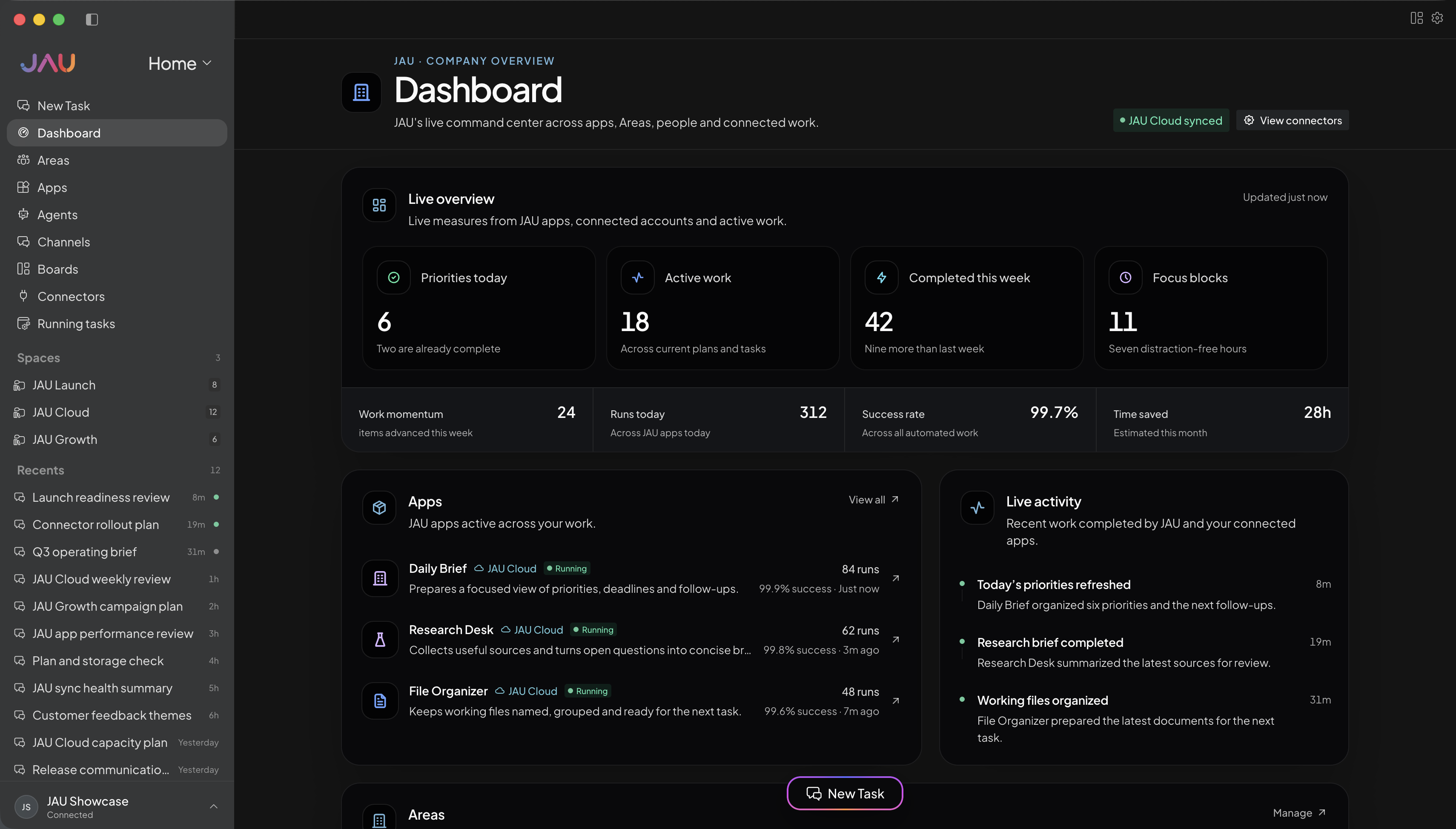
02 · Operate
Use focused Apps, Boards, Agents, and automations to move work without hiding state behind a conversation.
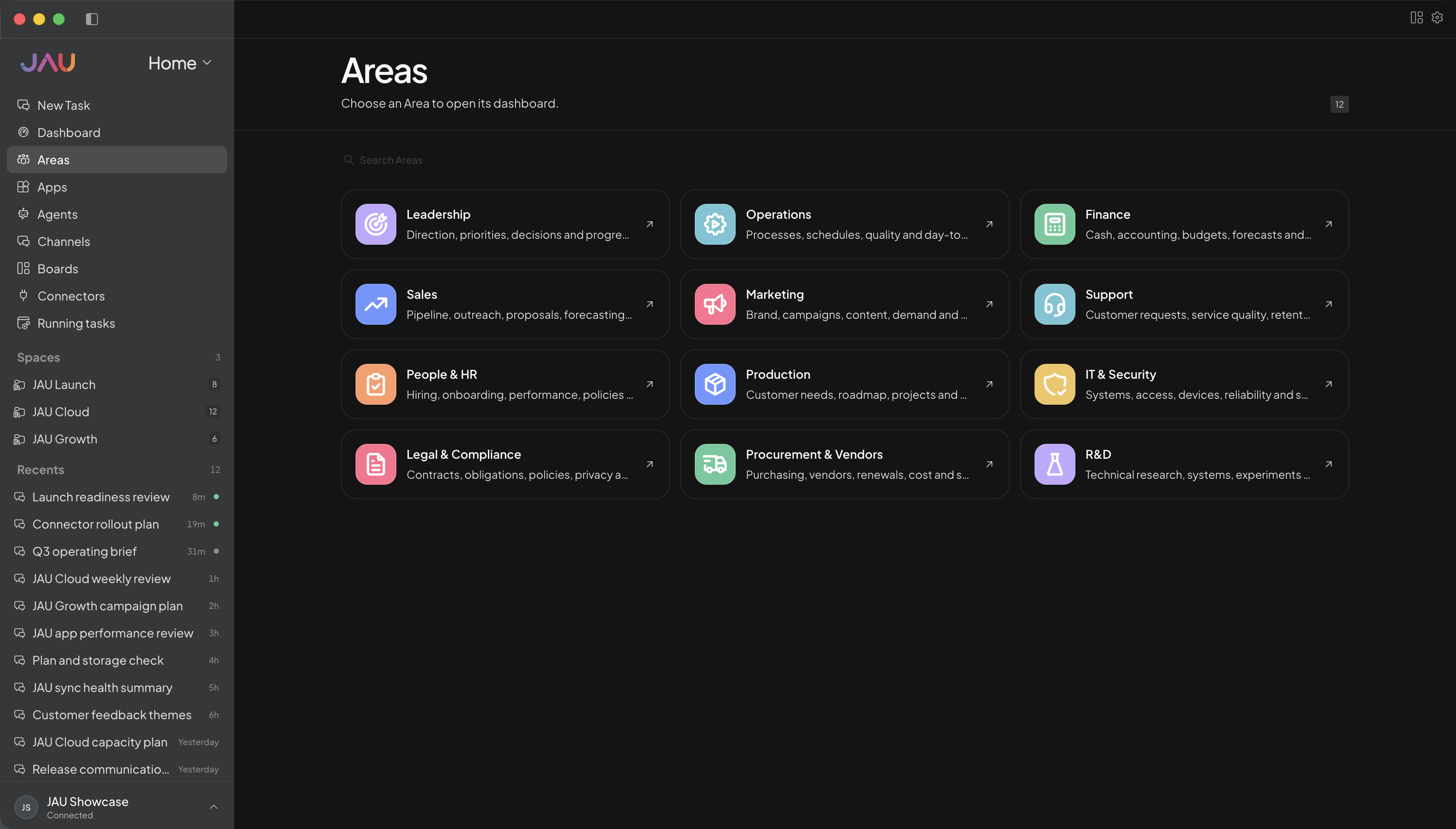
03 · Connect
Keep each account named and scoped, verify available capabilities, and leave credentials outside conversation history.
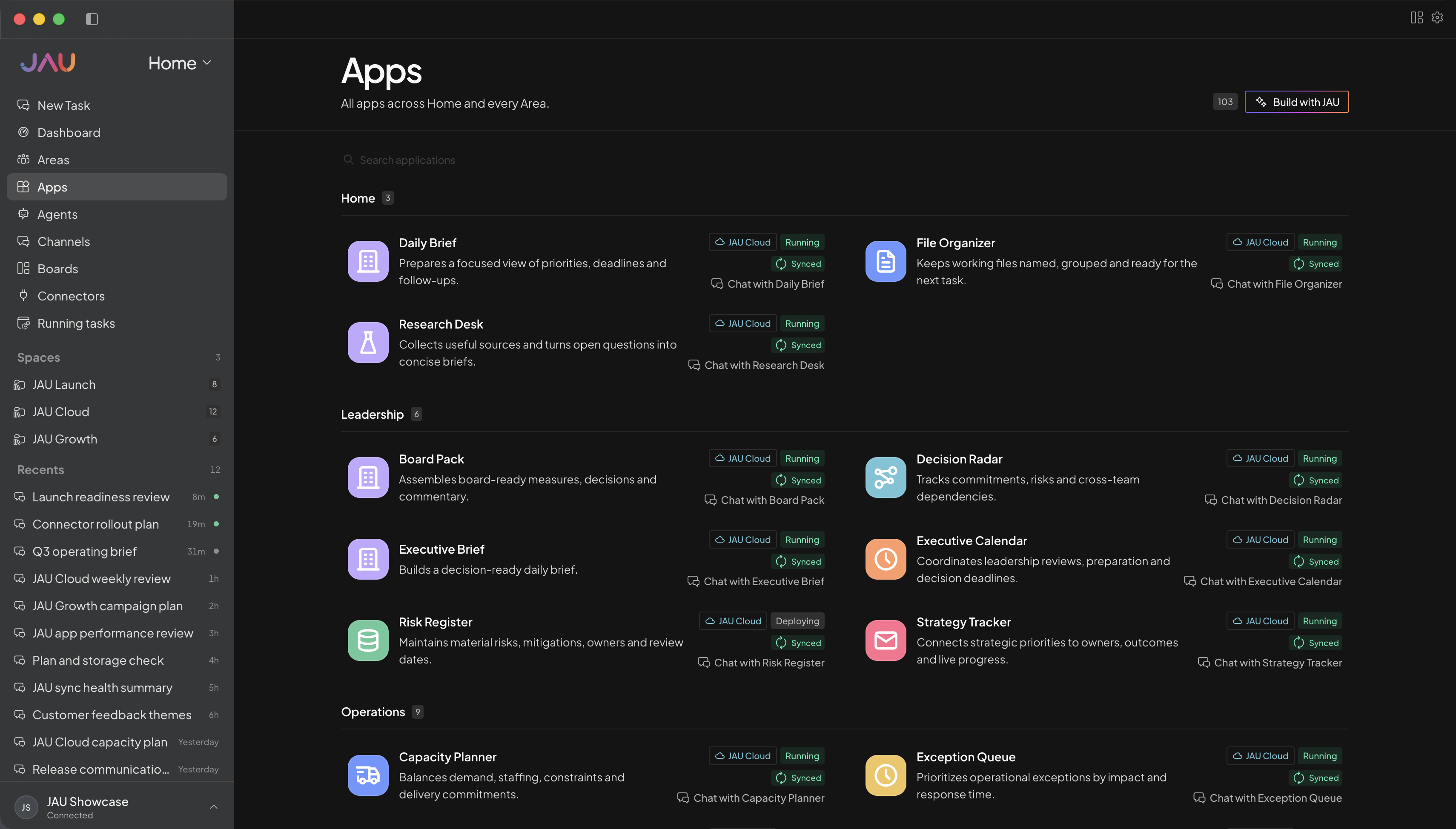
04 · Govern
Control member access and pause consequential actions for approval without turning every task into administration.
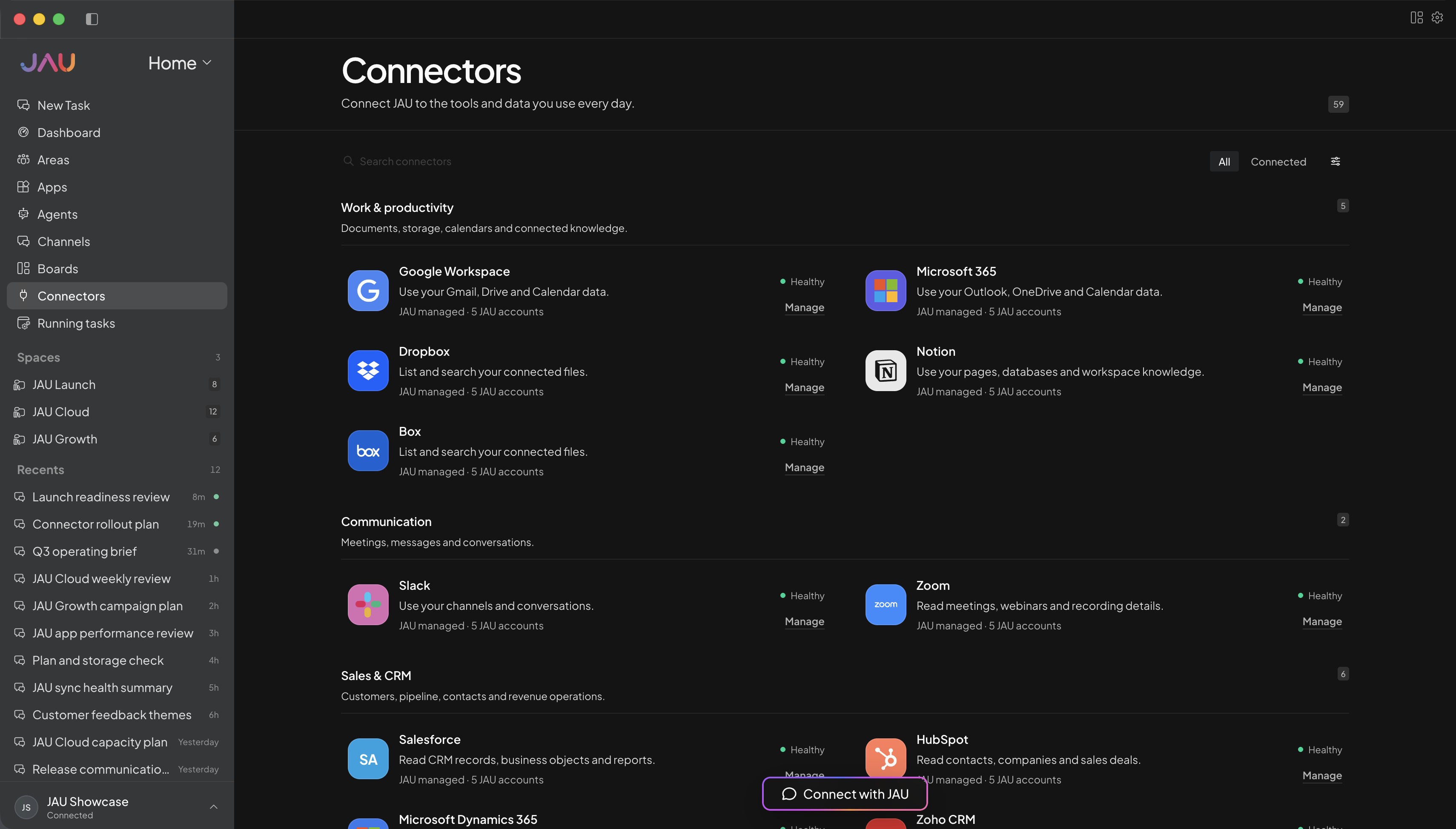
JAU Cloud for you or your team
Start with JAU for one person or a shared team. Cloud keeps supported work running, synced, and visible after you close your desktop.
Personal for one person. Business when you need a shared workspace and administration.
Create Areas, Apps, Agents, and automations around the work you actually do.
Add the accounts and capabilities you approve, with important actions kept behind confirmation.
See task progress, sync state, conflicts, credit balance, and anything that needs you.
Every workspace
Desktop, JAU Cloud, 24/7 task execution, automatic sync, Apps, hosted connectors, updates, and support.
Cloud Credits
Personal, Pro, and Power include monthly credits. Business starts with prepaid usage. No plan creates postpaid debt.
Make JAU yours
Use these as starting points, then create Areas, Apps, and automations around personal projects, client work, study, creative work, or a shared operation.
Example Area names
Example Apps
Bring priorities, risks, decisions, and cross-functional updates into one reviewable view.
Track recurring workflows, owners, exceptions, and the work that needs attention now.
Keep opportunities, commitments, handoffs, and follow-ups connected to customer context.
Route consequential changes to the right person with evidence and status attached.
Outcome examples
Organize these approved updates into progress, risks, dependencies, and the decisions leadership needs to make this week.
Join waitlist ↗Review current work, identify blocked handoffs and missing owners, and prepare the smallest set of actions that restores flow.
Join waitlist ↗Turn these customer notes into commitments, owners, dates, risks, and the next useful follow-up for each account.
Join waitlist ↗Summarize the proposed change, evidence, affected systems, risks, rollback path, and the exact decision required.
Join waitlist ↗Get more out of JAU
Assign members to the Areas and connected capabilities they need while keeping other workspace context bounded.
The Areas and Apps shown here are customizable illustrations; configure them around how your business actually works.
Choose Business when several licensed members need one administered workspace, shared Areas, scoped connected accounts, and prepaid hosted usage.
Yes. Member assignments and approved capabilities can be scoped so people and work receive the context they need without broad default access.
No. They are customizable examples. Rename Areas and configure or create Apps and automations around approved workflows.
No. JAU keeps credentials in protected storage and exposes only the approved capabilities available to the work.